FAQ - Titan smart Rocksolid U-Lock
Have questions about your BLACK X Titan RockSolid U-Lock? This FAQ section covers the most common topics, including daily use, access methods, and general operation, helping you quickly find the information you need.
General Information
What is the BLACK X Titan RockSolid U-Lock?
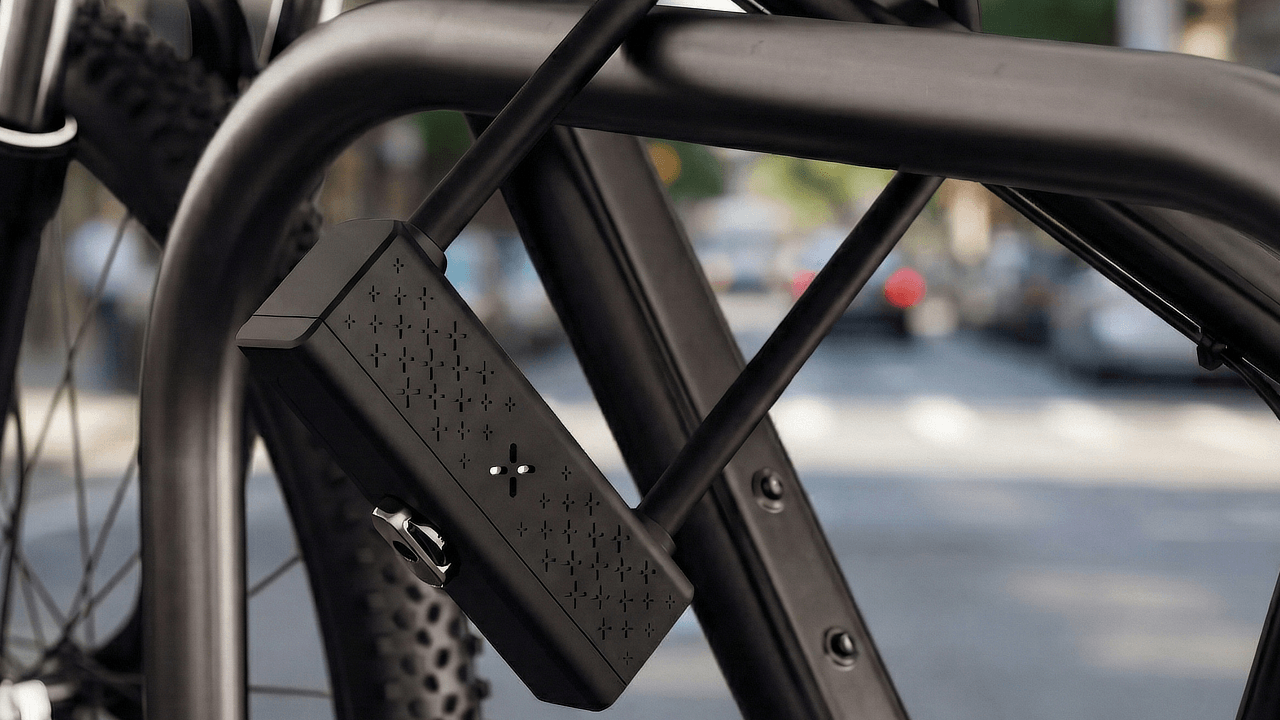
The BLACK X Titan RockSolid U-Lock is a high-security smart U-lock designed to deliver advanced protection for bicycles in high-risk environments.
It features a reinforced 15mm hardened steel shackle and a patented smart locking mechanism engineered to resist cutting, prying, leverage attacks, and angle grinder attempts.
The lock incorporates RockSolid angle grinder resistant coating, providing an additional layer of protection against one of the most common theft methods.
In addition to its mechanical strength, the lock integrates smart access control, allowing operation via the BLACK X app, the optional xKey remote, or mechanical backup keys.
Access & Usage
How does the smart unlocking feature work?
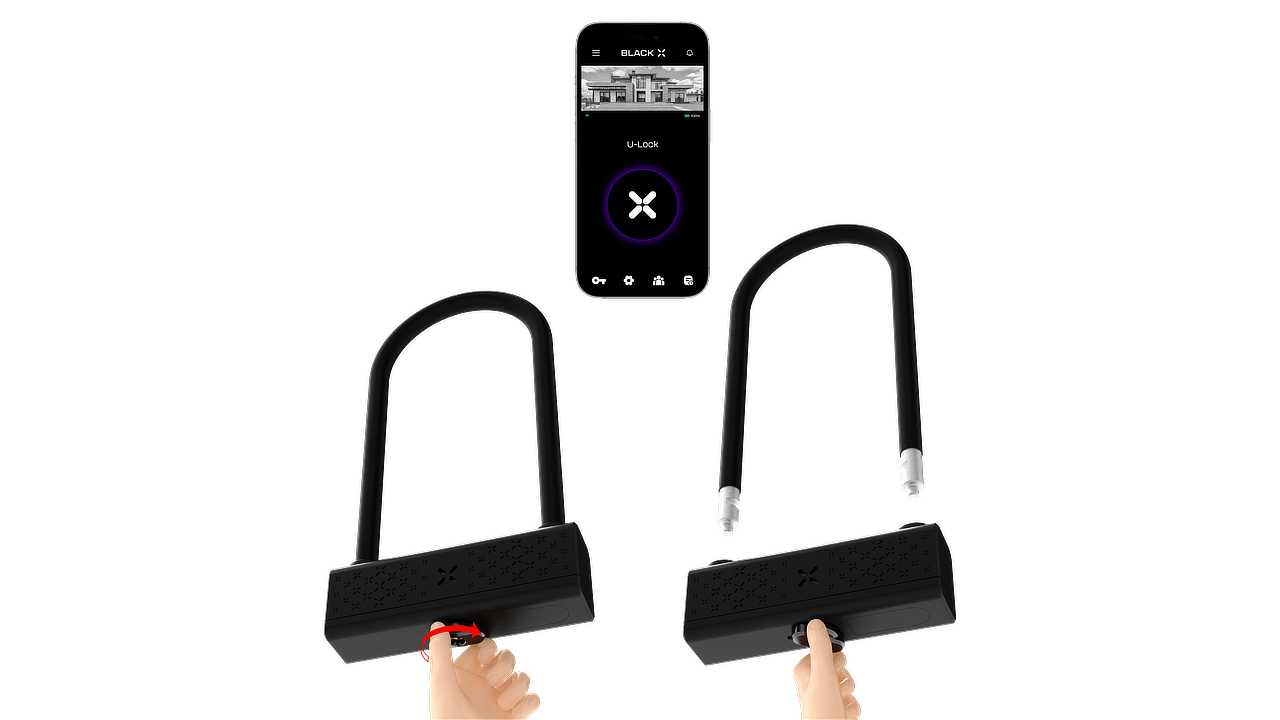
When an unlock command is sent from the BLACK X app or the xKey remote, the lock activates the unlocking mechanism.
To complete the process, turn the knob clockwise and remove the U-shackle.
Can the lock still be opened without the app?
Yes. The lock can also be opened using the xKey remote or the mechanical key.
To unlock with the xKey, press the button on the xKey within approximately 2 meters of the lock, then turn the knob clockwise and remove the U-shackle.
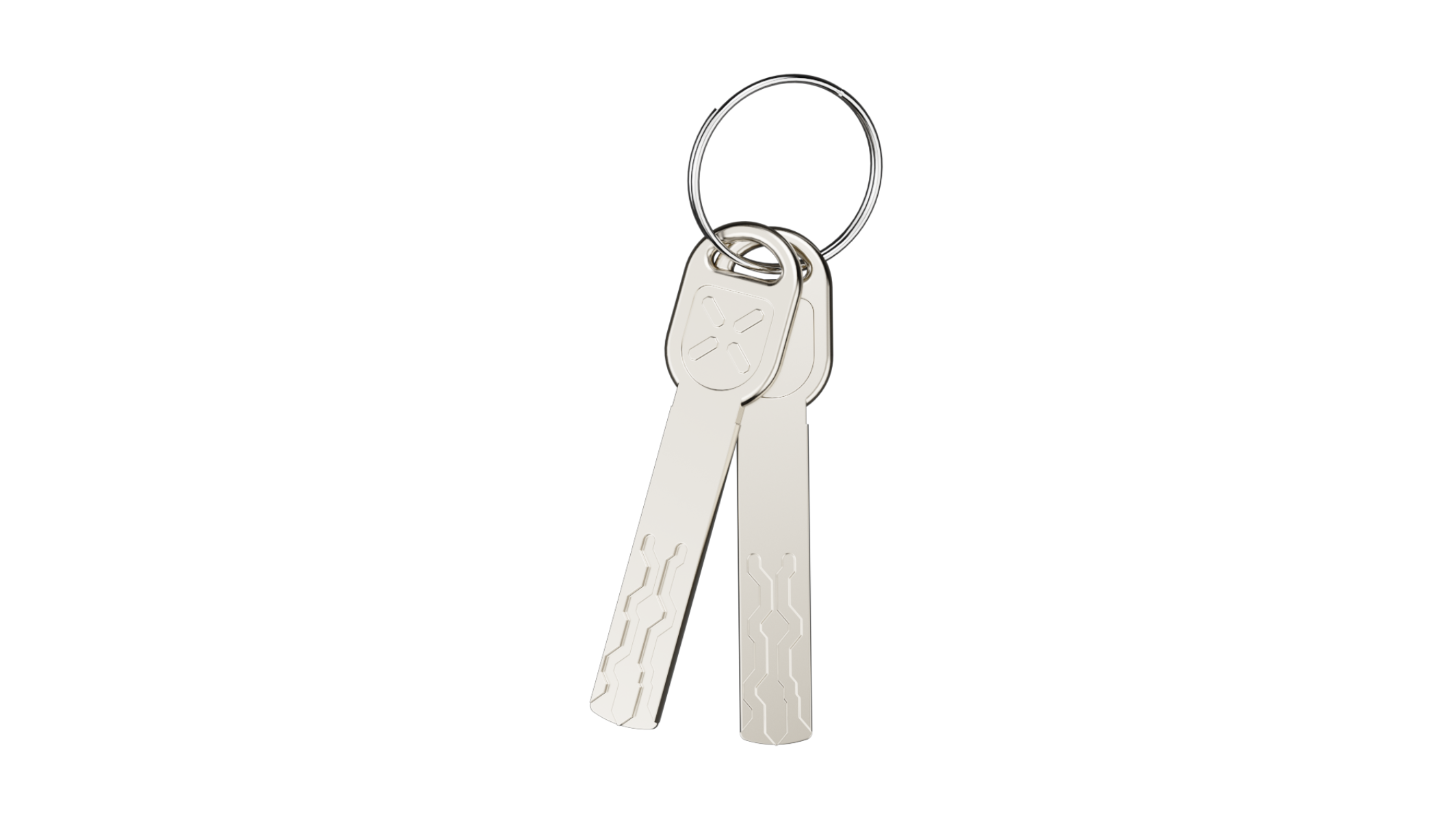
To unlock manually, insert the mechanical key into the cylinder, turn it clockwise, and then rotate the knob clockwise to unlock the lock.
Setup & Activation
Do I need the BLACK X App to set up the lock?
Yes. Initial setup and pairing are performed through the BLACK X App.
How do I pair the lock with the BLACK X app?


Download the app and create your BLACK X account before beginning installation.
Ensure your phone’s Bluetooth and Wi-Fi are enabled before attempting to pair.
- Open the BLACK X App.
- click on ‘install a new lock’.
- Name your lock or select “Bike Lock” from the pre-named list below, and assign it to a home.
- While in “Discovering Nearby Locks” mode in the BLACK X App, insert the pairing tool into the pairing button recess located on the underside of the smart lock device and press firmly to start pairing.
- When the correct lock appears in the pop-up, tap “Connect” to proceed.
- Congratulations! You’ve successfully connected your first lock.
Accessories
What is the xKey and how does it work?
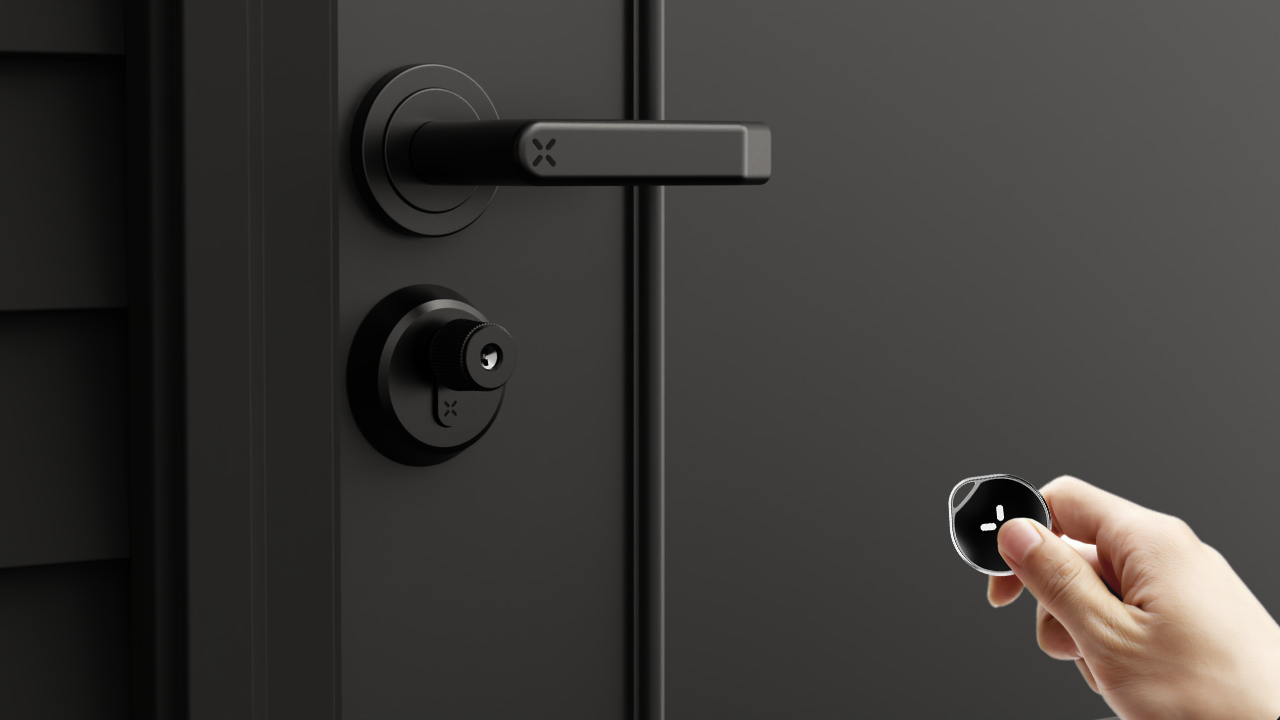
The xKey is an optional remote unlocking device.
Once paired through the BLACK X app, it allows you to unlock the lock by pressing the button on the xKey while standing within approximately 2 meters of the lock.
After pressing the button, turn the knob clockwise to remove the U-shackle.
Battery & Power
What type of battery does the lock use?
The BLACK X Titan RockSolid U-Lock uses a CR2 battery.
The battery powers the smart functionality of the lock.
Troubleshooting & Support
Running into an issue with your Titan RockSolid U-Lock? Check out the related articles below for step-by-step troubleshooting, or contact BLACK X Support.
Looking for more?
Our assistant can help refine your search, or you can reach our support team directly.