Troubleshooting Guide for BLACK X Euro Profile Smart Lock
Having trouble with your BLACK X Euro Profile Smart Lock? This guide covers common issues and provides step-by-step solutions to help resolve them quickly.
If you are experiencing installation difficulties, lock operation issues, or connectivity problems, follow the troubleshooting steps below to identify the cause and apply the recommended solution.
For a detailed step-by-step installation, please refer to the installation article.
Installation Issues
Existing cylinder cannot be removed easily
Possible cause
The cylinder may still be secured by the mortise plate screw or the cam may not be aligned.
Solution
Ensure the mortise plate screw securing the cylinder has been fully removed.
Insert the key and rotate it slightly to align the cam with the body of the cylinder.
If there is resistance, double-check the cam alignment and try again.
New cylinder does not sit flush with the door
Possible cause
The cylinder may not be fully inserted or secured correctly.
Solution
Ensure the cylinder is inserted correctly and fully positioned inside the door.
Secure the cylinder using the provided M5 screw.
The cylinder should not protrude more than 3 mm from the door surface. If it does, adjust the installation and ensure the safety furniture is properly positioned.
Avoid over-tightening the lock screw, as this may cause alignment issues.
Smart device feels loose after installation
Possible cause
The device may not be fully aligned or properly secured.
Solution
Ensure the BLACK X device is fully aligned and twisted into place until a click sound is heard.
Use the Allen key to partially tighten the screws on the left and right sides to allow proper adjustment.
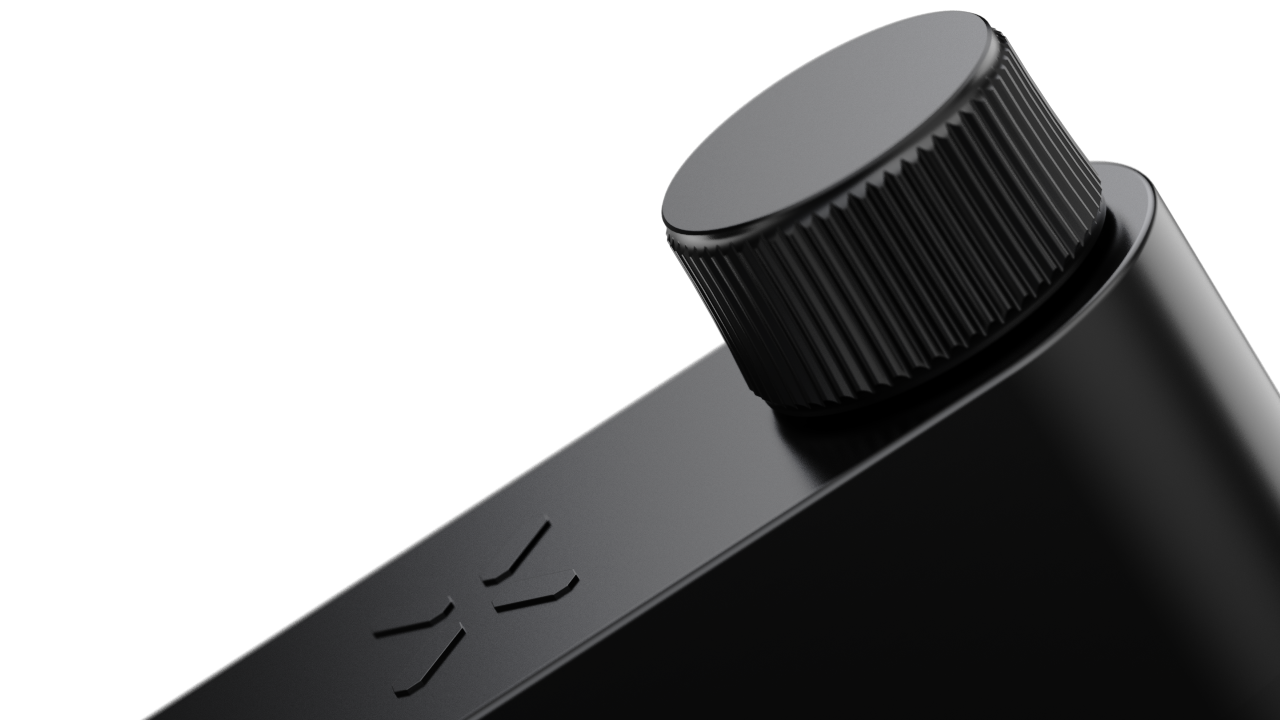
Align the external knob before tightening the screw on top.
Once all components are correctly positioned, fully secure the device by tightening the screws on both sides.
Allen key turns without tightening the external knob
Possible cause
The external knob may not be aligned correctly with the knob body.
Solution
Check the position of the external knob on the knob body.
Ensure the components are aligned and that a complete hole is visible for the Allen key.
If necessary, apply additional pressure when mounting the external knob until the holes are fully aligned.
Lock Operation Issues
Opening mechanism is stuck
Possible cause
The cylinder or device may not have been aligned correctly during installation.
Solution
Ensure the cylinder was correctly aligned with Cam 1 and Knob Housing 2 during preparation.
When tightening the lock screw, make sure the cylinder does not protrude more than 3 mm from the door surface. Avoid over-tightening to prevent damage.
Check that the BLACK X device is mounted correctly and that a click sound was heard during installation.
Ensure there is no looseness between the device and the cylinder.
Confirm that the plastic or silicone pin was removed before mounting the device.
Avoid over-tightening the device screws, as this may cause the opening mechanism to become jammed.
Lock does not respond to app commands
Possible cause
The lock may not be installed securely or Bluetooth may not be enabled.
Solution
Ensure the lock is securely installed and all screws are tightened.
Restart the BLACK X app and confirm Bluetooth is enabled on your mobile device.
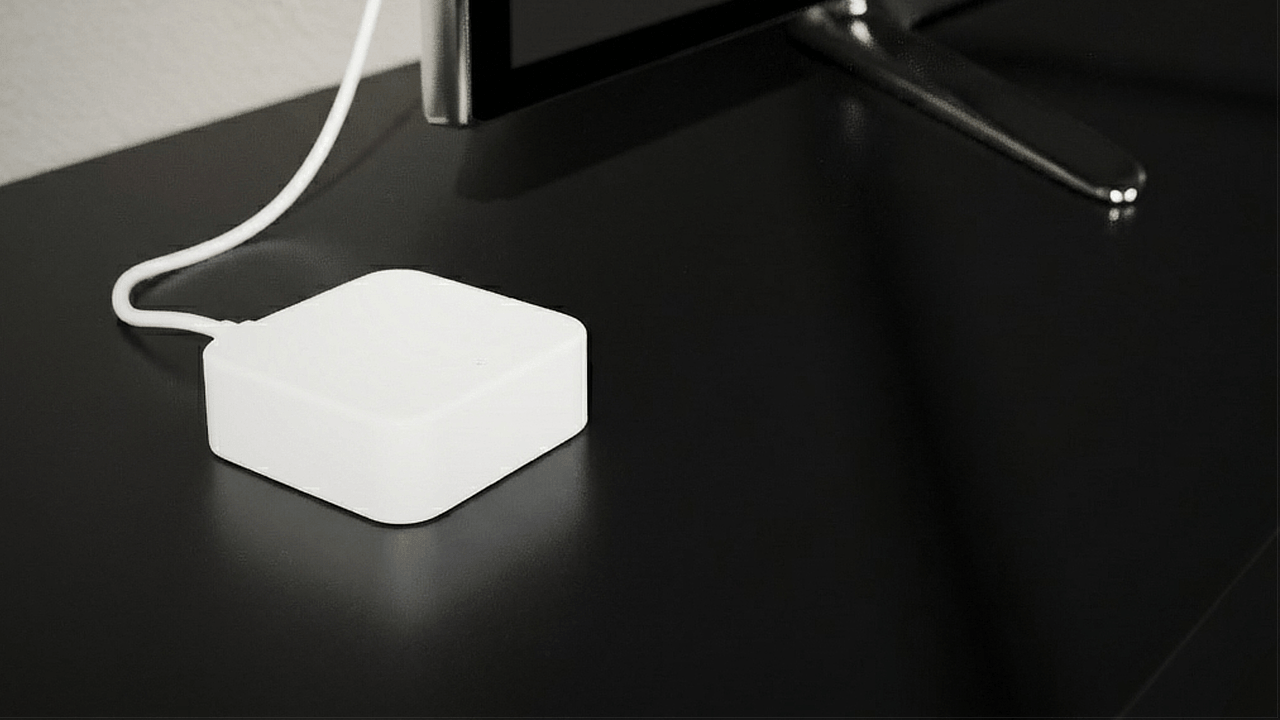
If using a Wi-Fi bridge, verify that the bridge is connected and powered correctly.
App & Connectivity Issues
Lock does not pair with the BLACK X app
Possible cause
The lock may not be in pairing mode or Bluetooth may not be enabled.
Solution
Open the BLACK X app and ensure pairing mode is active.
Use the Allen key to press the connect button on the lock.
Confirm that the battery is installed correctly and that a beep sound was heard upon installation.
Ensure Bluetooth is enabled on your mobile device and wait for the lock to appear in the app.
If the lock does not appear, restart the app and try again.
Wi-Fi bridge is not connecting
Possible cause
The Wi-Fi bridge may not be powered or may be outside router range.
Solution
Ensure the USB-C Wi-Fi bridge is connected to a power source.
Check that the router is within range and that the Wi-Fi network is functioning properly.
Restart the Wi-Fi bridge and the BLACK X app, then attempt the connection again.
For additional guidance, refer to the WI-FI Bridge manual below.
-

Looking for more?
Our assistant can help refine your search, or you can reach our support team directly.