FAQ - Euro Profile Smart Lock
Have questions about your BLACK X Euro Profile Smart Lock? This FAQ section covers the most common topics, including setup, daily use, app connectivity, and general troubleshooting, helping you quickly find the information you need.
General Information
What is the BLACK X Euro Profile Smart Lock?
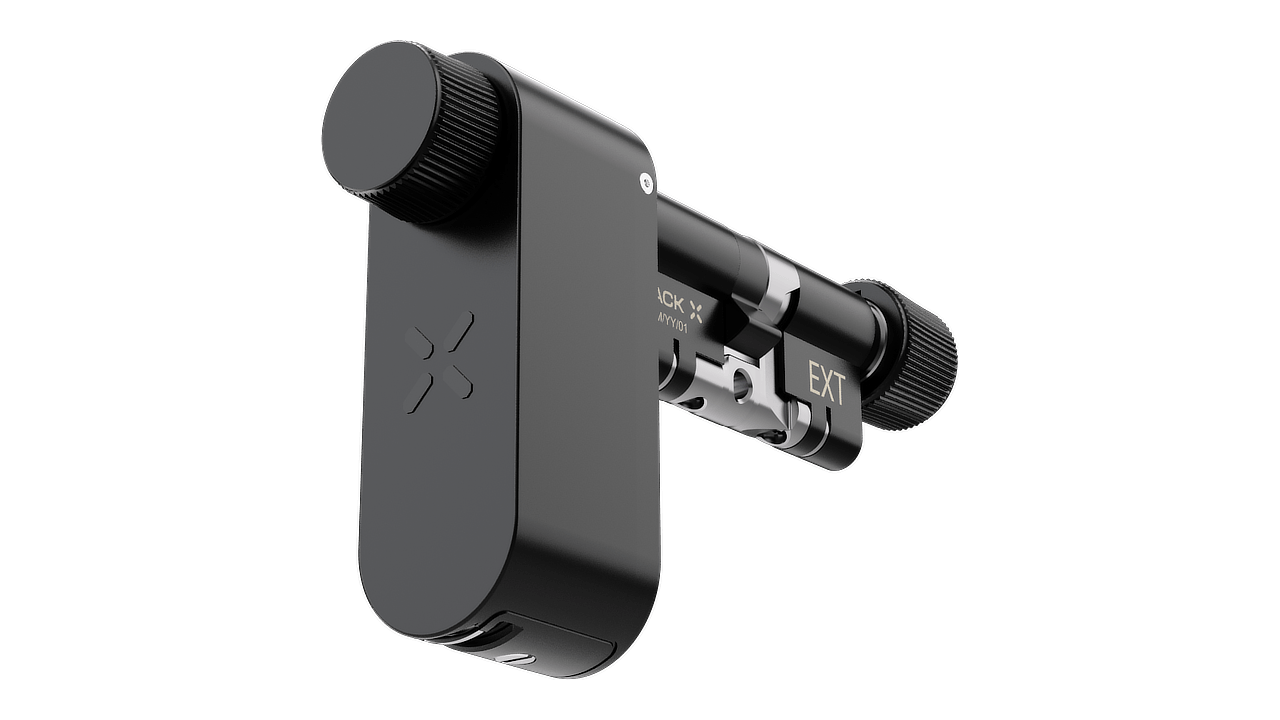
The BLACK X Euro Profile Smart Lock is an advanced smart cylinder designed to replace a standard Euro profile cylinder.
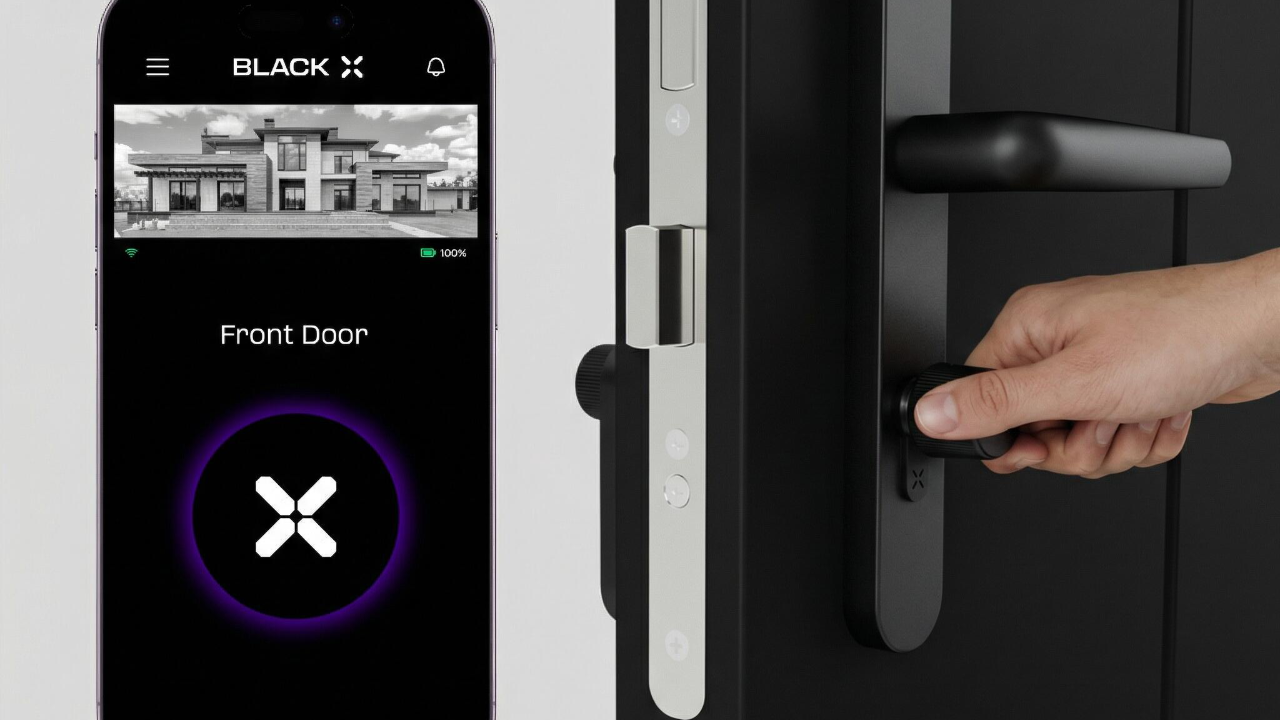
It combines high-end mechanical security with integrated smart technology, allowing you to control and manage access through the BLACK X App.
The lock installs in place of your existing cylinder without requiring wiring or structural modifications, making it a seamless upgrade for compatible doors.
It supports multiple access methods, including smartphone control, compatible accessories (if purchased), and mechanical backup keys.
Designed for modern homes and properties, it provides secure, flexible, and convenient access management.
Will the BLACK X Euro Profile Smart Lock fit my door?
The lock is designed to replace standard Euro profile cylinders and is available in sizes such as 35/35 mm, 40/40 mm, and 50/50 mm. It is recommended to measure your current cylinder before purchasing.
Installation & Setup
Is installation complicated?
No. Installation is quick and straightforward, with no drilling, wiring, or door modifications required.
Do I need to calibrate the lock after installation?
No. The lock is ready to use immediately after installation with no calibration needed.
How do I determine the door orientation?
If the hinges are on the left, the door is left-handed.
If the hinges are on the right, the door is right-handed.
Use the red marker for left-handed doors and green for right-handed.
Access & Usage
How can I unlock the door?
You can unlock the door using multiple methods:
- Smartphone via the BLACK X App
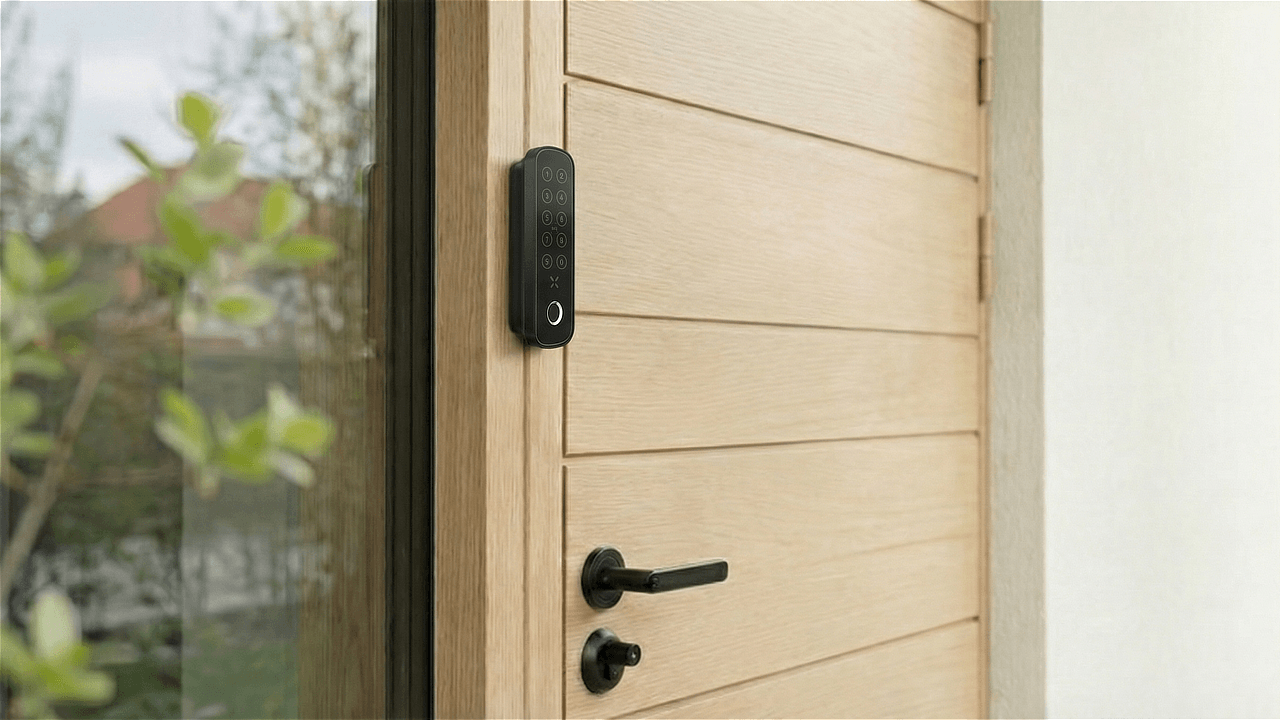
- Optional accessories such as xPad, xPad+, or xKey
- Mechanical backup keys
This gives you full flexibility depending on your needs.
Can I still use a key?
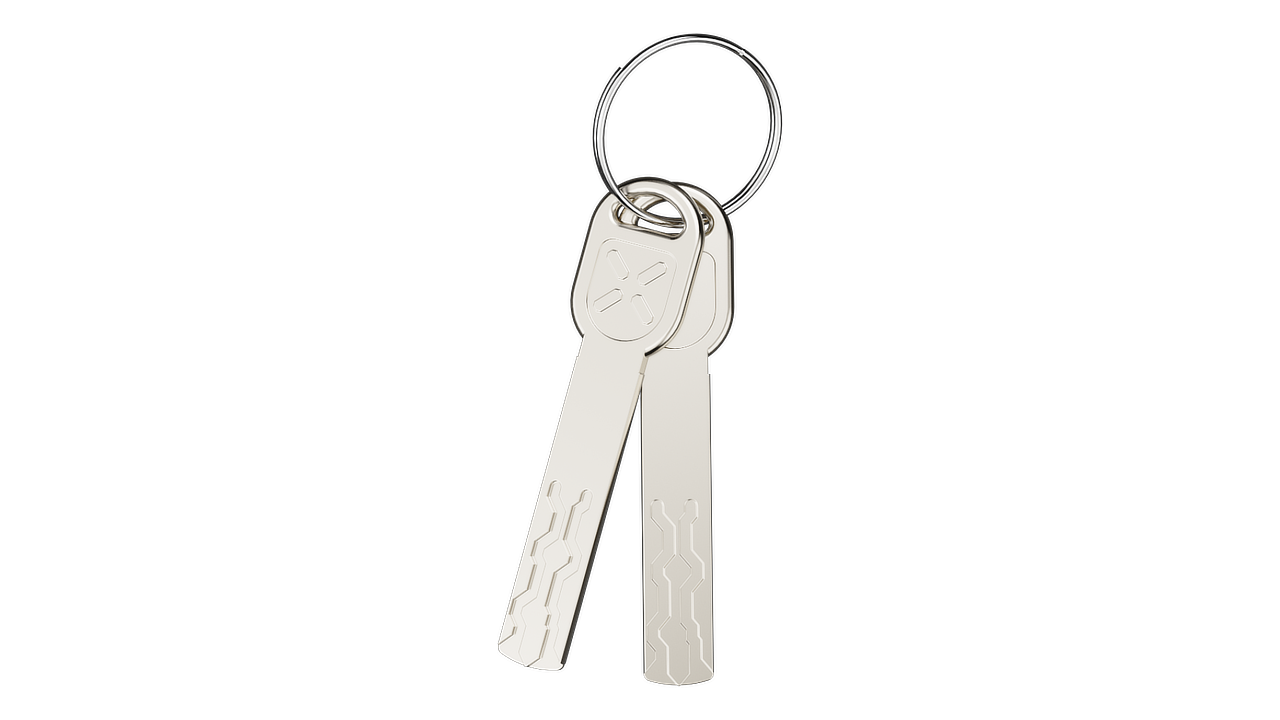
Yes. The lock includes 2 mechanical backup keys, so you always have a backup access option.
How do I use the mechanical key?
In addition to smart access via the BLACK X app or the xKey, the lock can also be operated manually using the mechanical key when preferred or required.
- Firmly hold the knob to prevent it from rotating
- Insert the key into the keyhole
- While holding the knob, turn the key clockwise
- Rotate the knob clockwise to open the door
- To remove the key, hold the knob, turn the key counterclockwise, and pull it out
App & Connectivity
How do I pair the lock with the BLACK X app?


Open the app and create your BLACK X account before beginning installation.
Ensure your phone’s Bluetooth and Wi-Fi are enabled before attempting to pair.
- Download BLACK X App from App store or google play.'
- Open the BLACK X App.
- click on ‘install a new lock’.
- Name Your Lock or choose a description.
- Create a ‘Home’ to associate with your lock.
- Choose the ‘Home’ for your lock.
- While in "Discovering Nearby Locks" mode, use the Allen key to press the connect button on the BLACK X device.
- When a pop-up for the correct lock appears, click "Connect" to proceed.
- Congratulations! You’ve successfully connected your first lock.
Battery & Power
What type of battery is required for BLACK X locks?
The BLACK X device requires a CR2 battery, commonly used in cameras and electronic devices.
What is the battery life?
The lock is powered by a CR2 battery and offers up to 3 years of battery life under normal usage.
Where can I buy CR2 batteries?
CR2 batteries are widely available both online and in physical stores. You can find them on platforms such as Amazon, eBay, or Walmart, as well as in electronics stores, pharmacies, and home improvement stores.
Troubleshooting & Support
Running into an issue with your Euro Profile Smart Lock? Check out the related articles below for step-by-step troubleshooting, or contact BLACK X Support.
Looking for more?
Our assistant can help refine your search, or you can reach our support team directly.