BLACK X ecosystem - access management
The BLACK X ecosystem offers multiple ways to manage access to your smart door lock. The system is designed to provide flexibility, security, and full control through a range of access methods and connected devices.
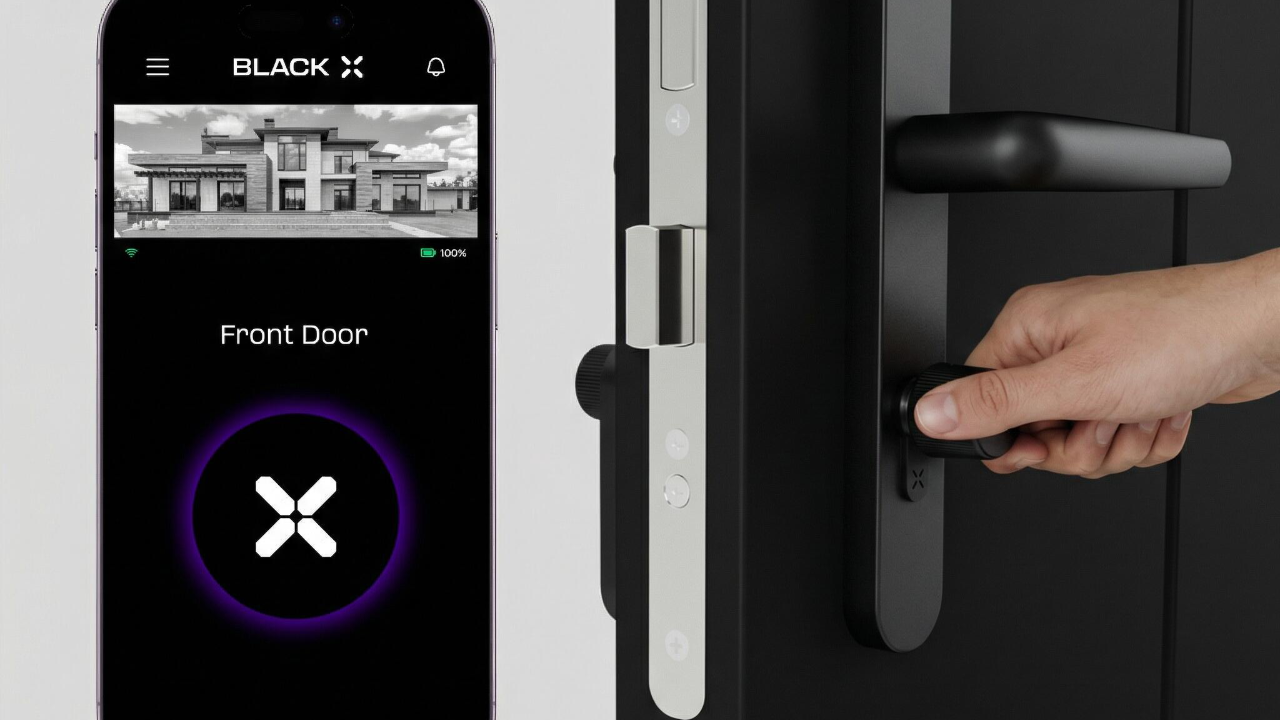
Smartphone Access - BLACK X App
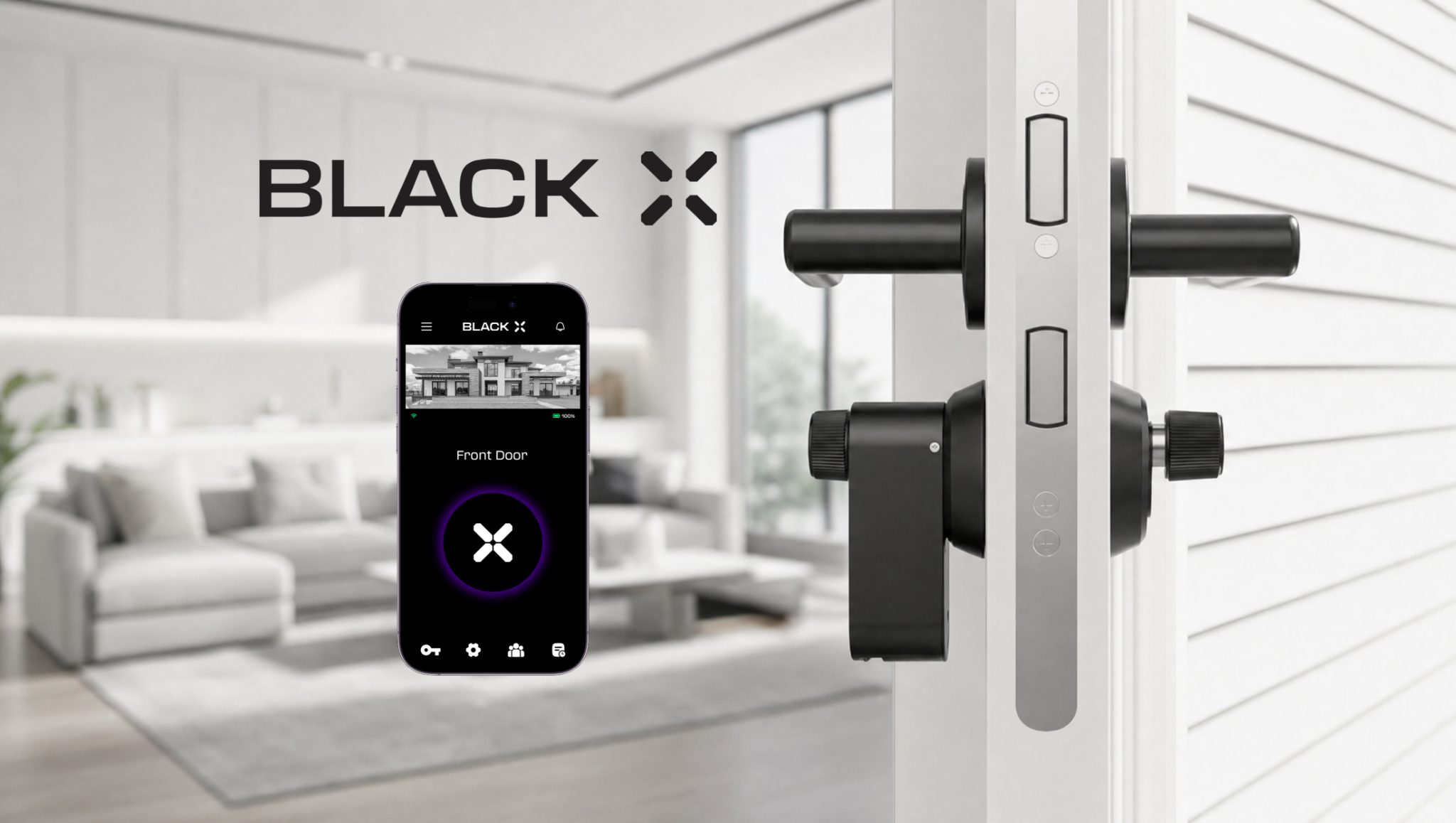
The BLACK X App serves as the central control hub for your smart lock.
The app is used to set up, manage, and control all access settings and connected devices.
Using the app, you can:
- Create your account and register your lock
- Connect and set up new locks
- Lock and unlock your door
- Grant or revoke access instantly
- Manage users, permissions, and access types
- View access history and activity logs
- Configure devices such as xPad, xPad+, xKey, and Wi-Fi Bridge (if purchased)
The app provides full control over your lock and all connected access methods in one place.
eKey - Digital Key Sharing
An eKey is a digital key that allows you to grant access to other users without sharing a physical key.
You can:
- Send access to another user remotely
- Define access duration (permanent, temporary, or one-time)
- Revoke access at any time
This is ideal for family members, guests, service providers, or property management.
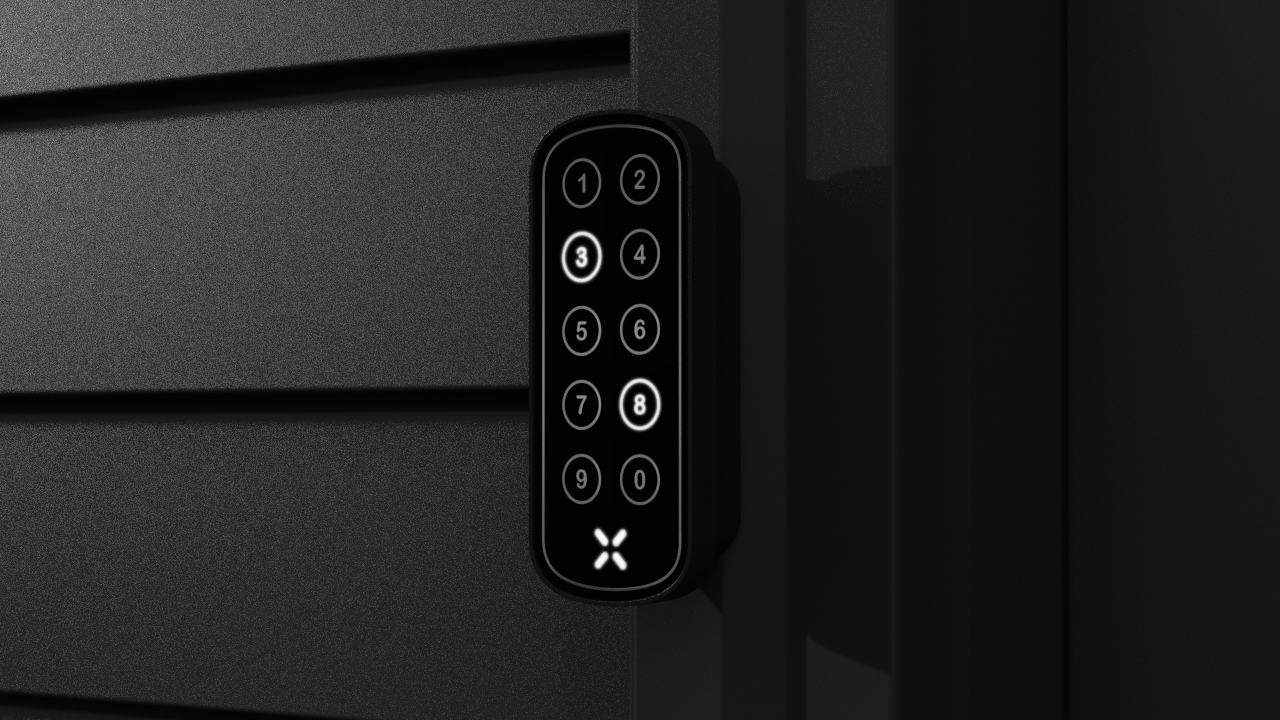
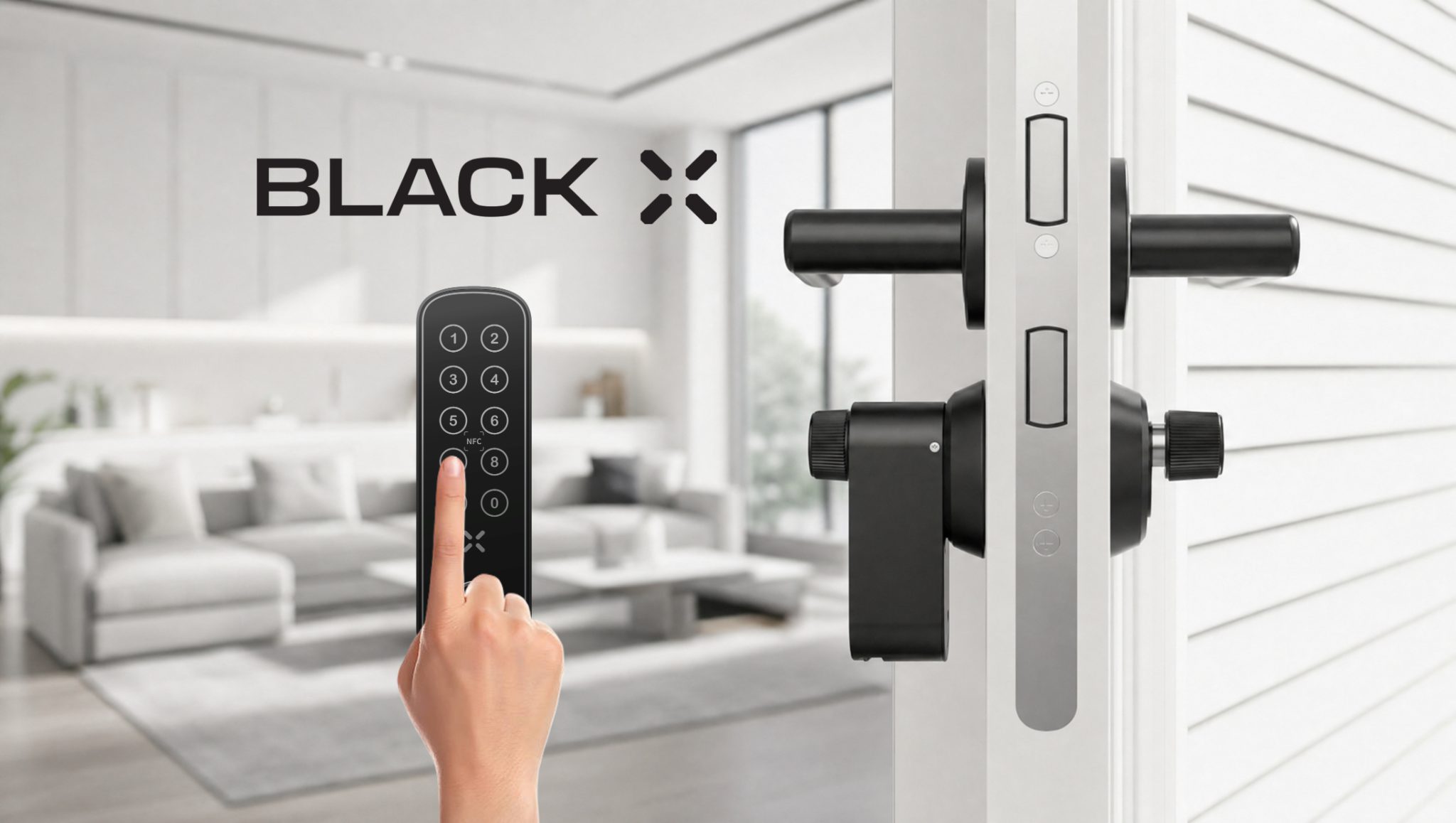
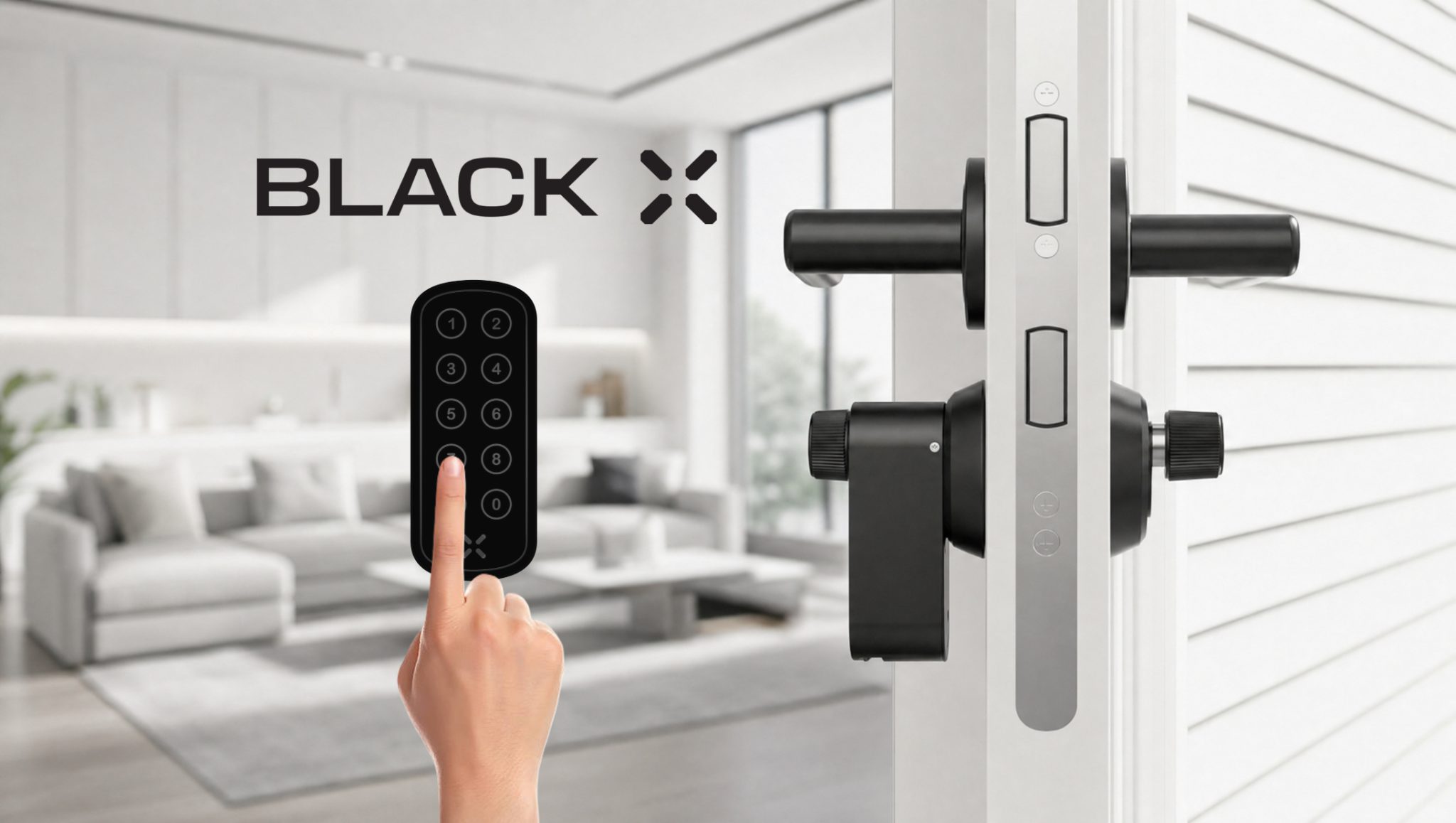
Passcodes - Keypad Access (xPad / xPad+)
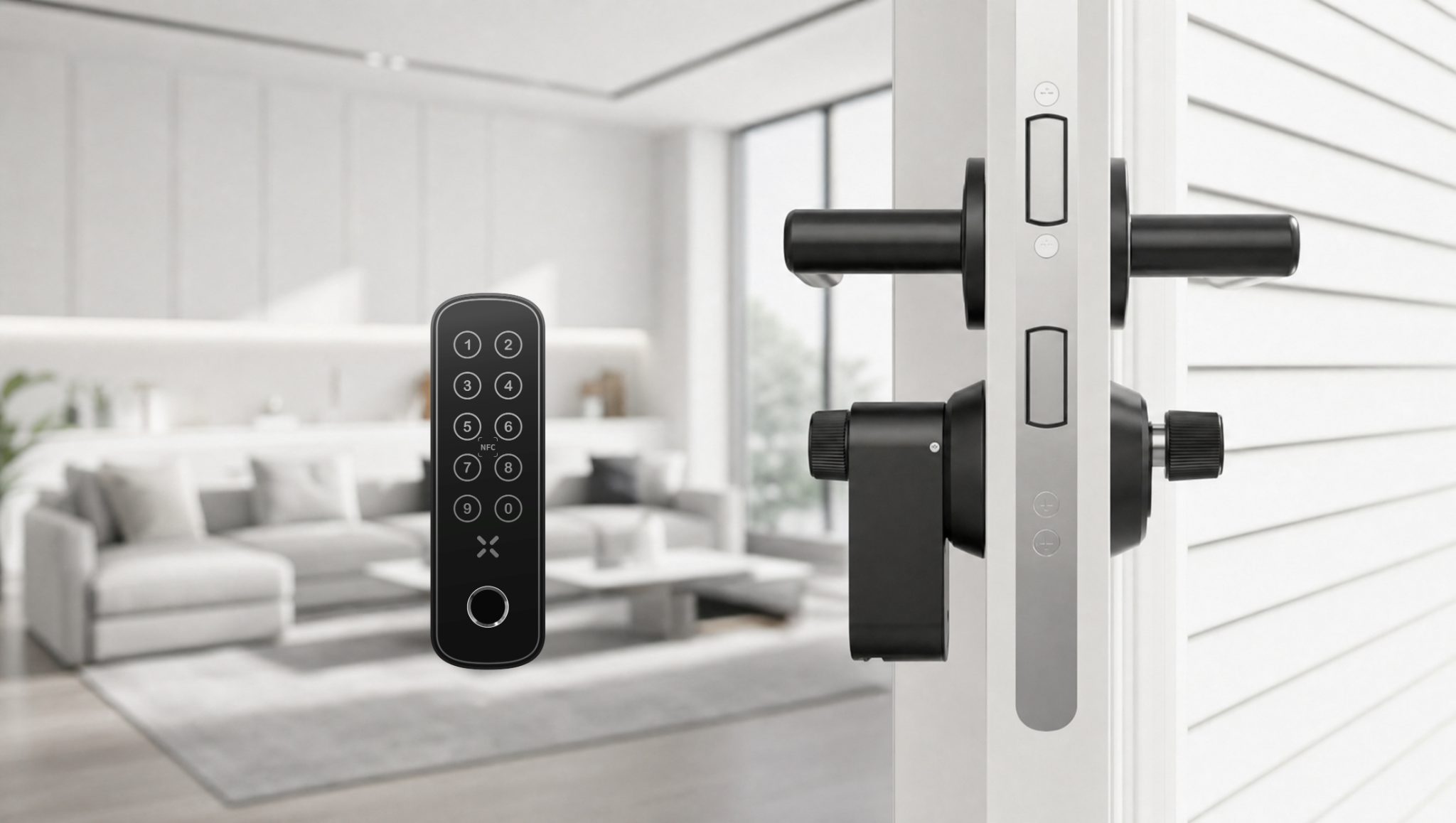
With xPad or xPad+, users can unlock the door using a numeric code (if purchased).
This is useful for:
- Users without smartphones
- Temporary access needs
- Shared or frequent access scenarios
You can create:
- One-time codes
- Time-limited codes
- Permanent codes
All codes are managed through the BLACK X App.
See how to unlock with a passcode: xPad or xPad+.
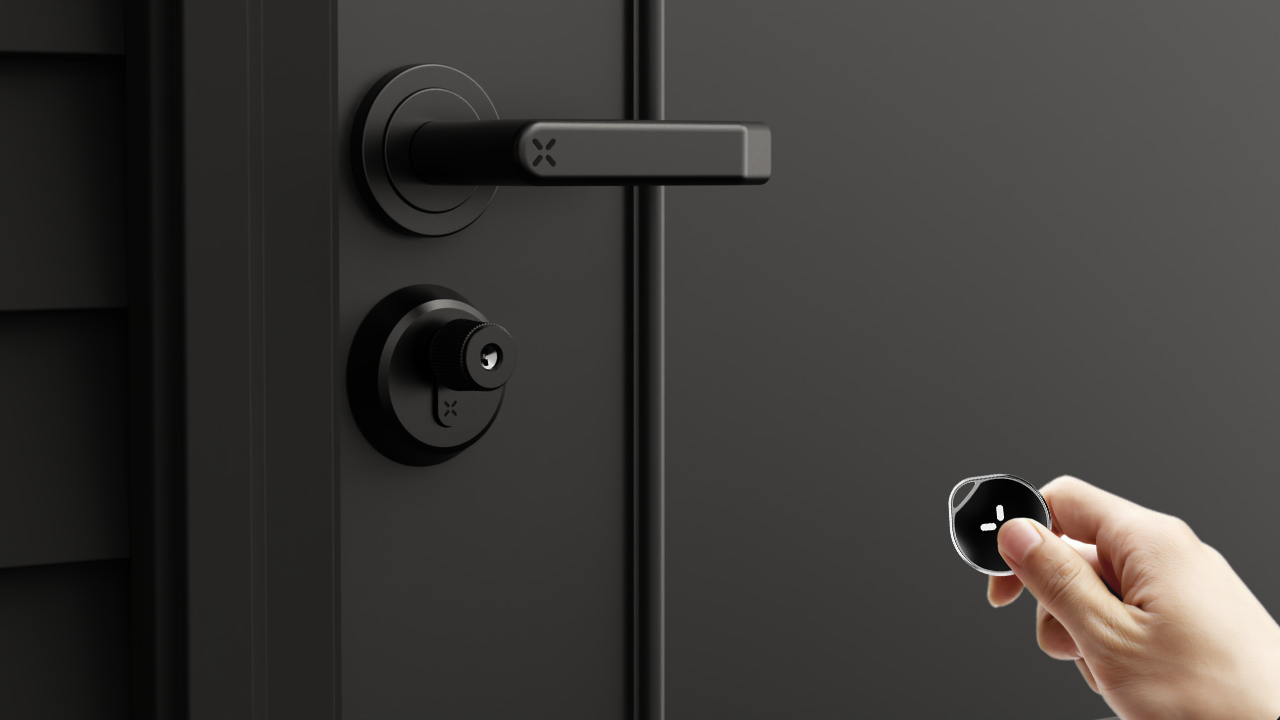
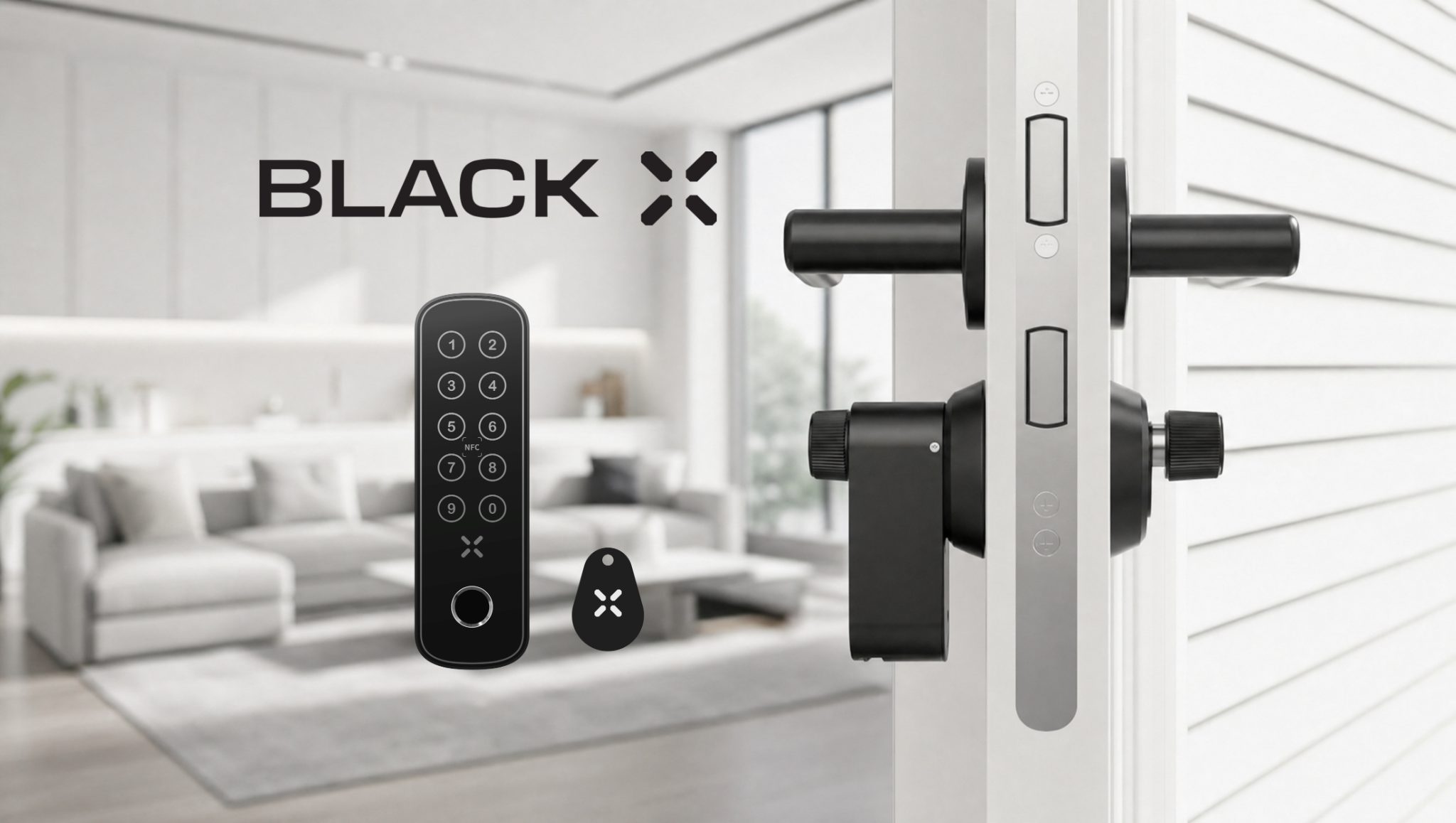
xKey - Remote Access Device
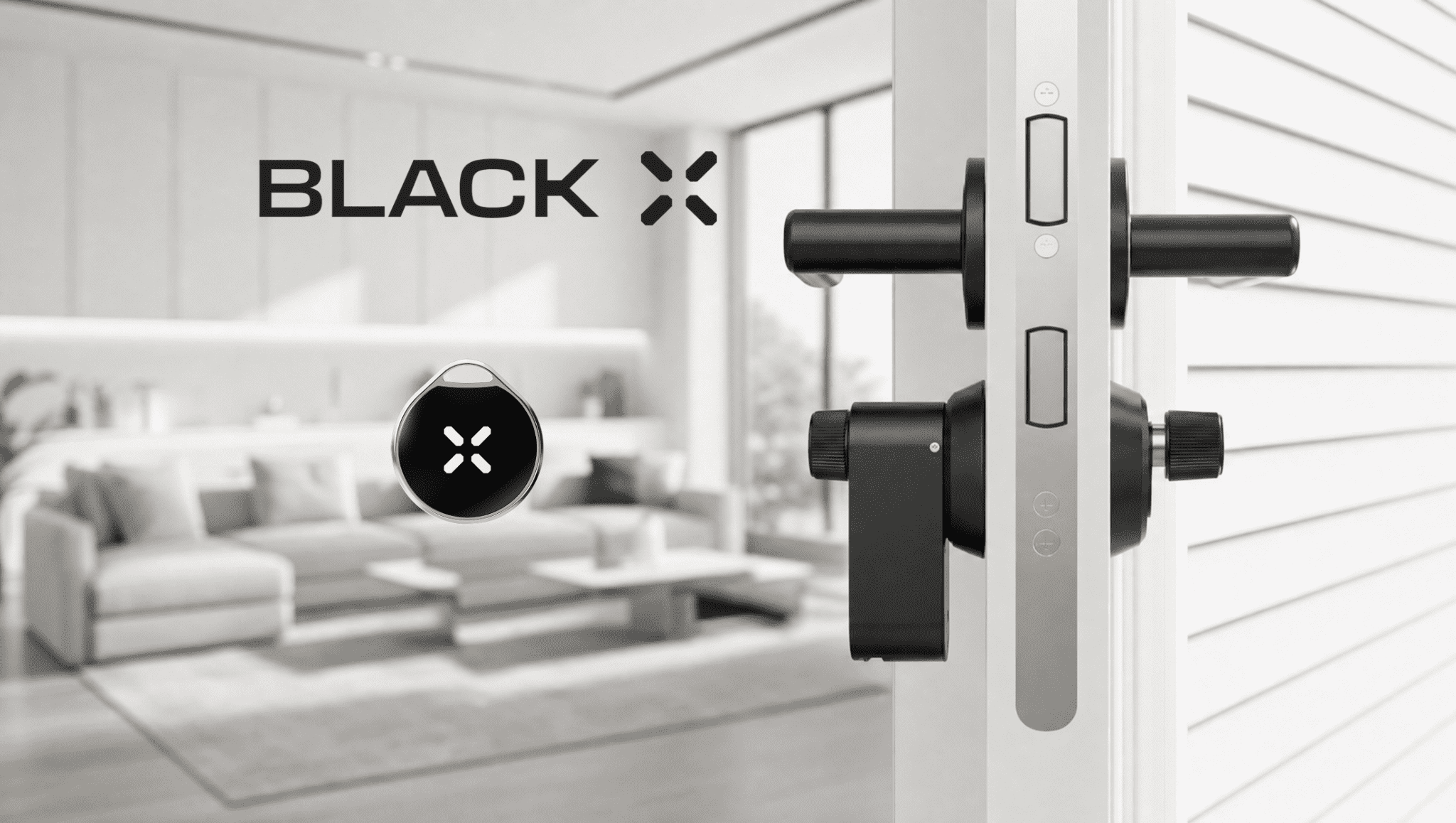
The xKey is a compact remote device that allows you to unlock your door without using a smartphone (if purchased).
It is suitable for:
- Simple and quick access
- Users who prefer a physical remote
- Situations where phone access is not available
The xKey connects via Bluetooth and is managed through the app.
See how to unlock with the xKey
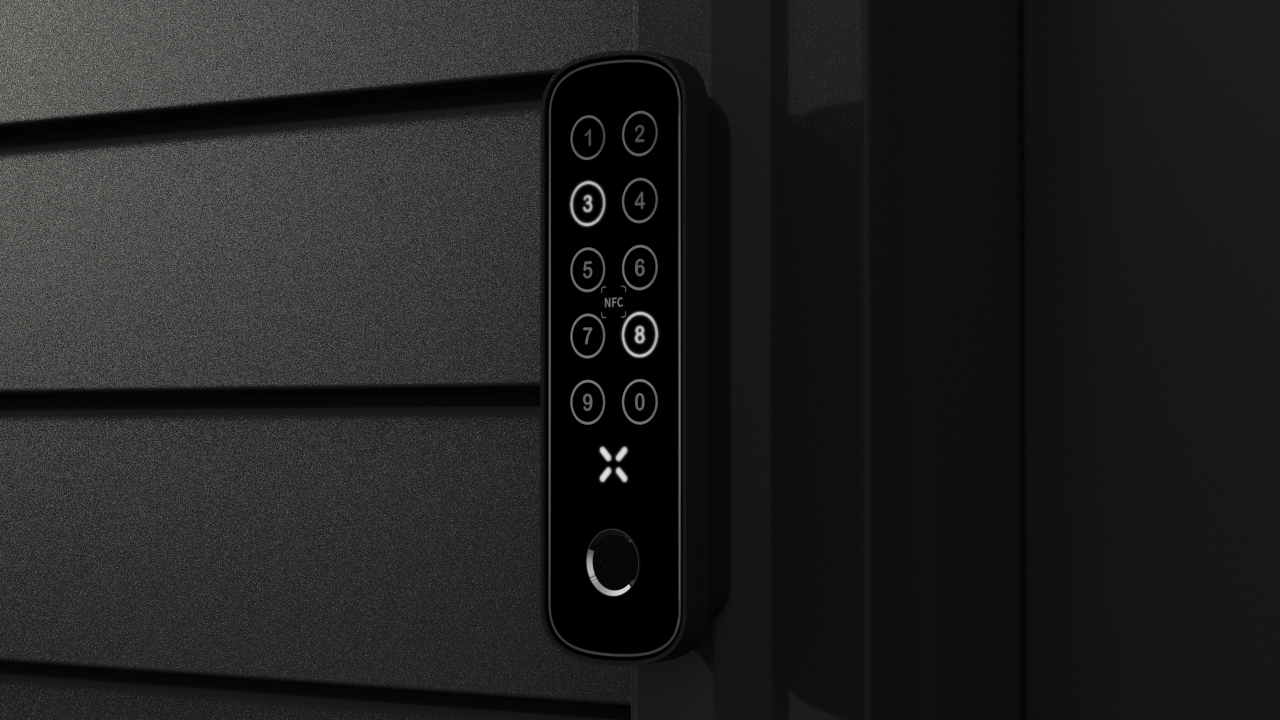
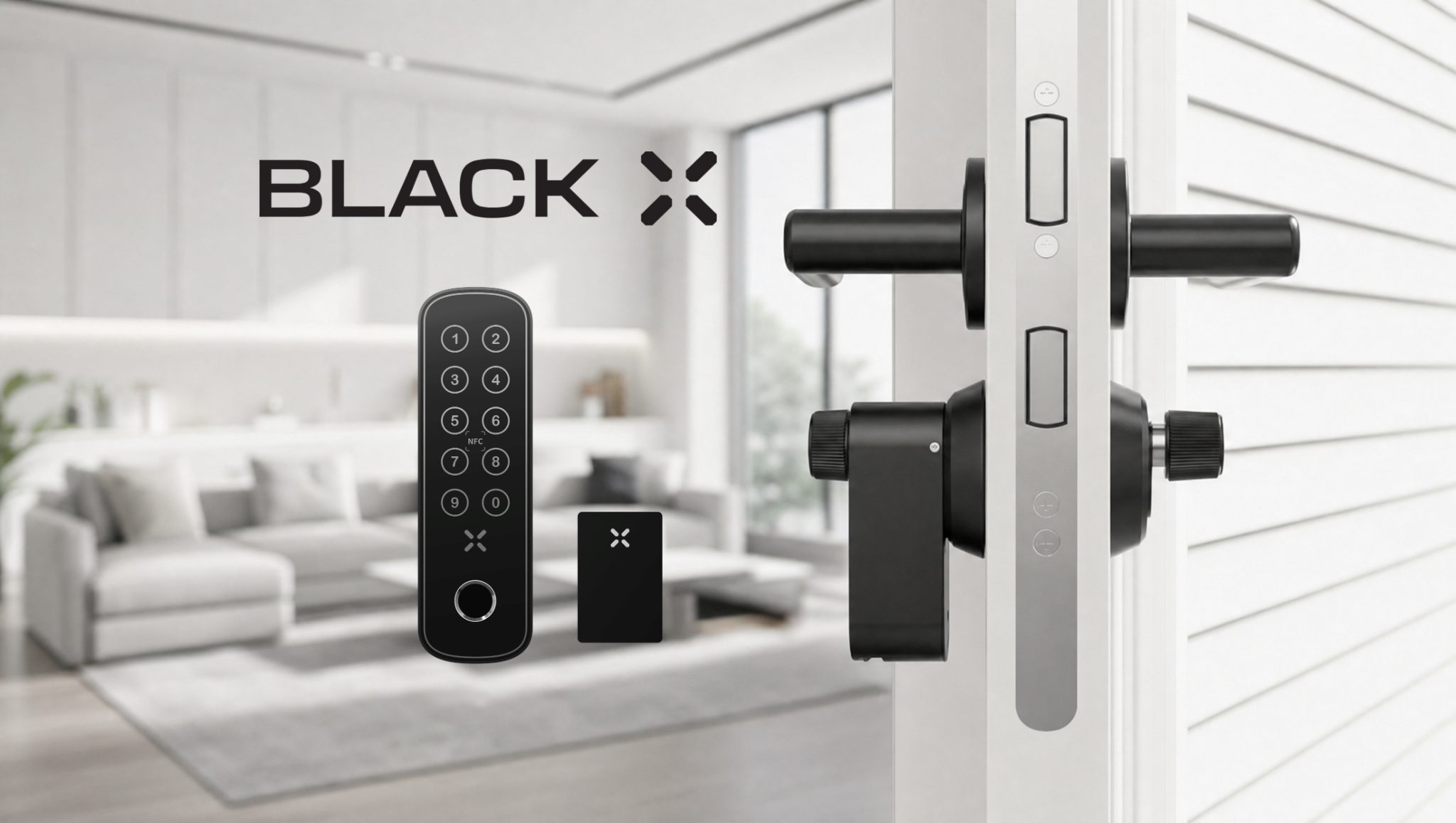
Advanced Access - xPad+ (Fingerprint & NFC)
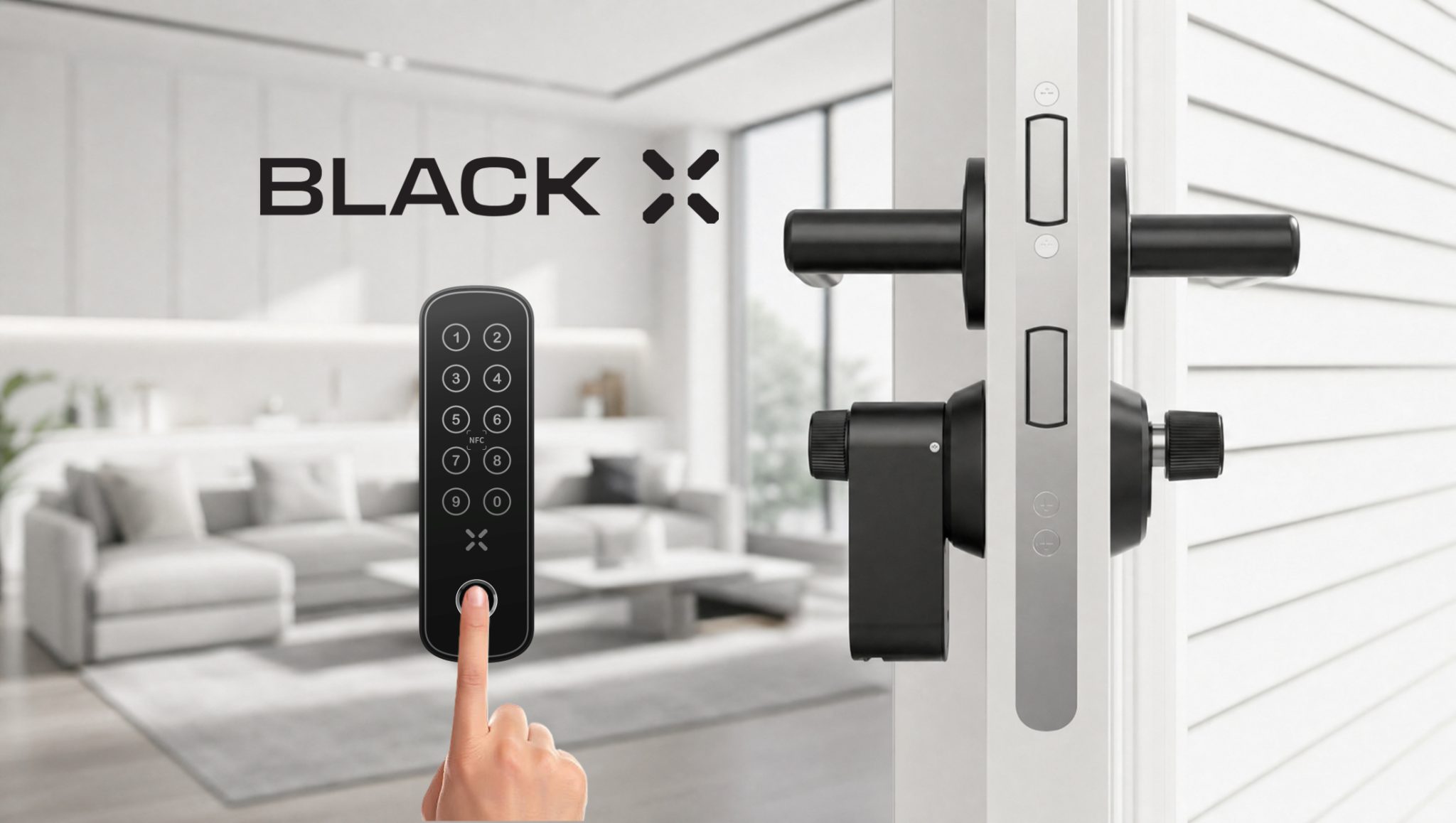
The xPad+ extends access control by adding biometric and contactless entry options (if purchased).
It supports multiple advanced access methods:
- Fingerprint recognition for fast and secure personal access
- NFC cards and tags for tap-to-unlock functionality
- Numeric passcodes for flexible user access
This allows different users to access the lock using the method most suitable for them, without requiring a smartphone.
See the full xPad+ unlock guide for step-by-step instructions for each method.
Fingerprint Access
Fingerprint access allows users to unlock the door using biometric identification.
- Quick and secure access using a registered fingerprint
- Managed and assigned through the BLACK X App
See how to unlock with Fingerprint
NFC Cards & Tags
NFC cards and tags enable contactless unlocking with a simple tap (if purchased).
- Tap the card or tag on the xPad+ to unlock
- Ideal for quick access and shared environments
- Suitable for users without smartphones
NFC access is managed through the BLACK X App and can be assigned or revoked at any time.
See how to unlock with NFC Card or NFC Tag
Additional Admin User - Shared Lock Management
You can add an additional authorized admin user to manage your lock.
This user will receive full permissions, including the ability to manage access, add or remove users, and control all lock settings.
To add an admin user:
- Open the lock main screen in the BLACK X App
- Tap the people icon in the bottom menu
- Select the option to add a new authorized user
You can define the access duration as:
- Permanent access
- Time-limited access
After entering the user details, you can send the invitation via:
- SMS
Once accepted, the new admin user will have full control over the lock.
Mechanical Key - Backup Access
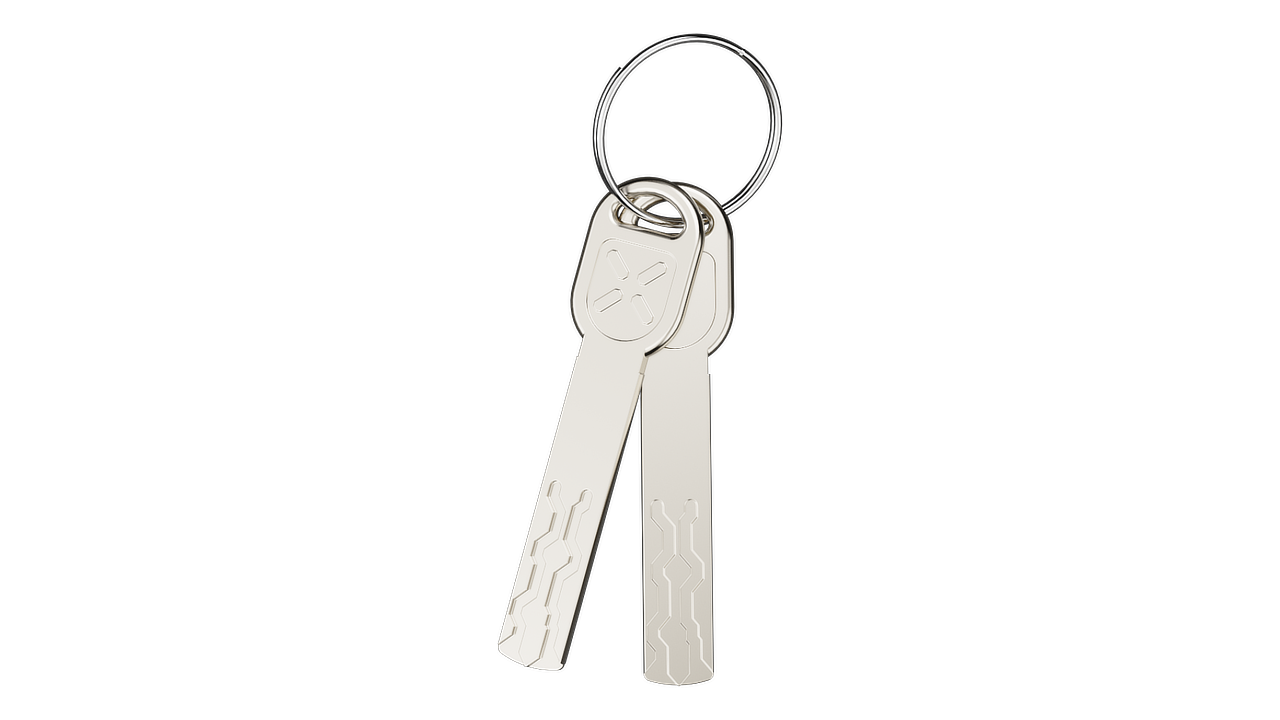
Each BLACK X lock includes mechanical keys for manual operation.
This ensures:
- Access in case of battery depletion
- A reliable backup option at all times
The mechanical key provides an additional layer of security and continuity.
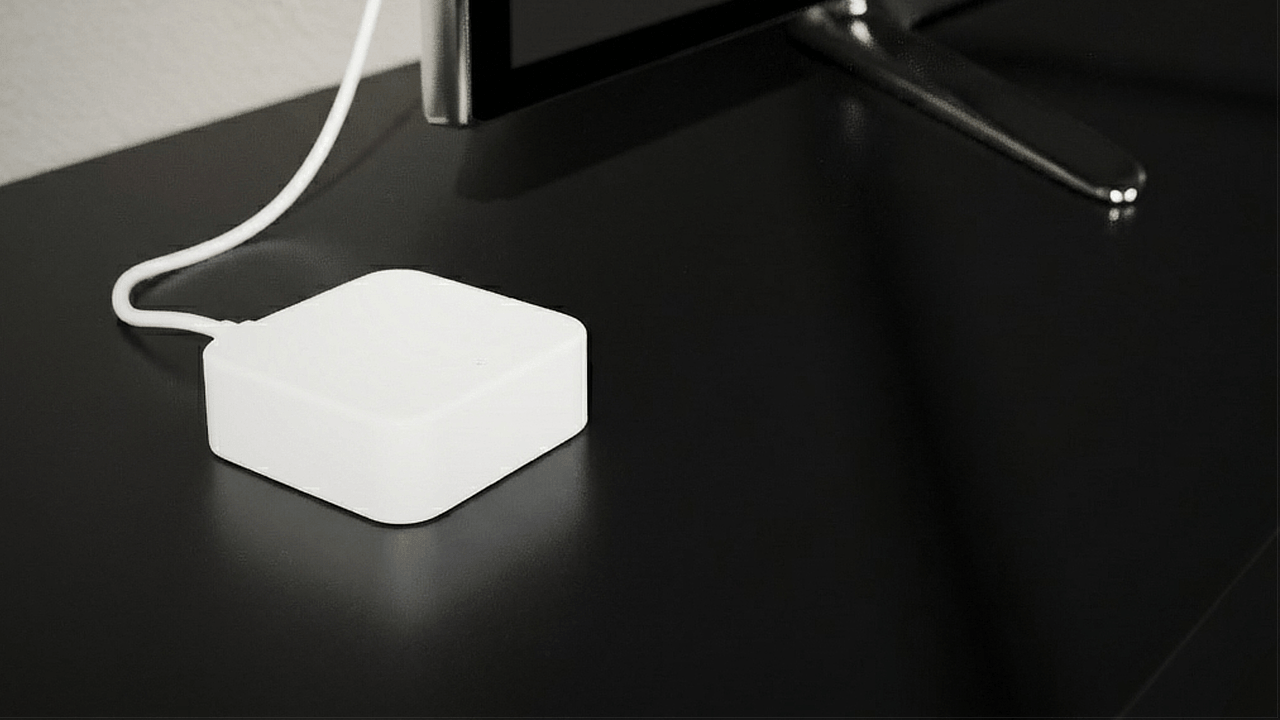
Wi-Fi Bridge - Remote Access Control
The BLACK X Wi-Fi Bridge enables remote access to your lock from anywhere (if purchased).
With the Wi-Fi Bridge, you can:
- Unlock your door remotely
- Manage access while away from the property
- Monitor lock activity in real time
Without the Wi-Fi Bridge, the lock operates via Bluetooth only.
Full Control, Maximum Flexibility
BLACK X combines multiple access methods into one unified system.
This allows you to:
- Control access in real time
- Adapt access methods to different users
- Maintain high security with flexible access options
All access methods are managed through the BLACK X App, providing a seamless and controlled experience.
Looking for more?
Our assistant can help refine your search, or you can reach our support team directly.