How to Unlock BLACK X with Passcode | xPad+

We're putting together a video walkthrough for this guide - until it's ready, follow the written steps below.
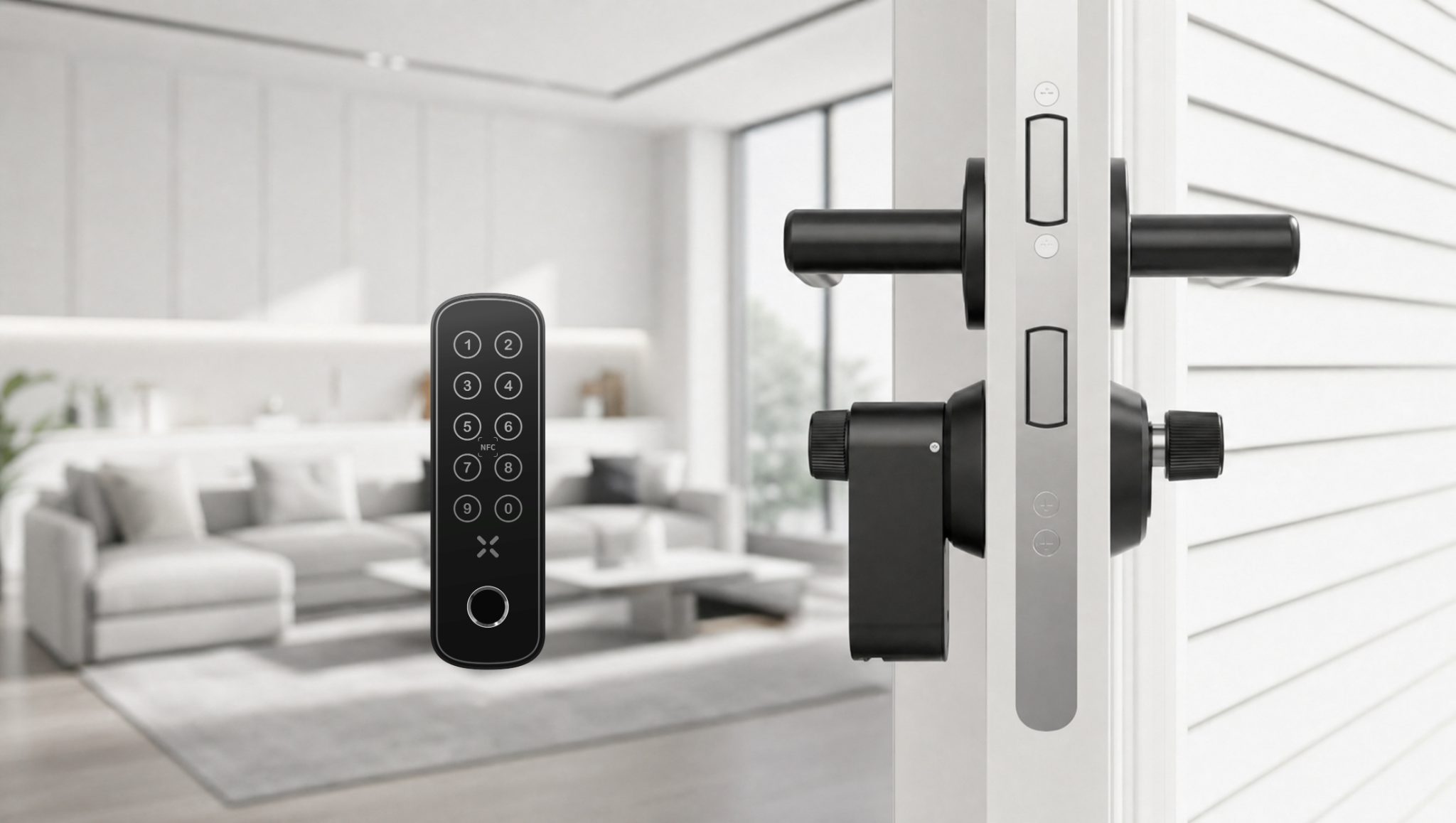
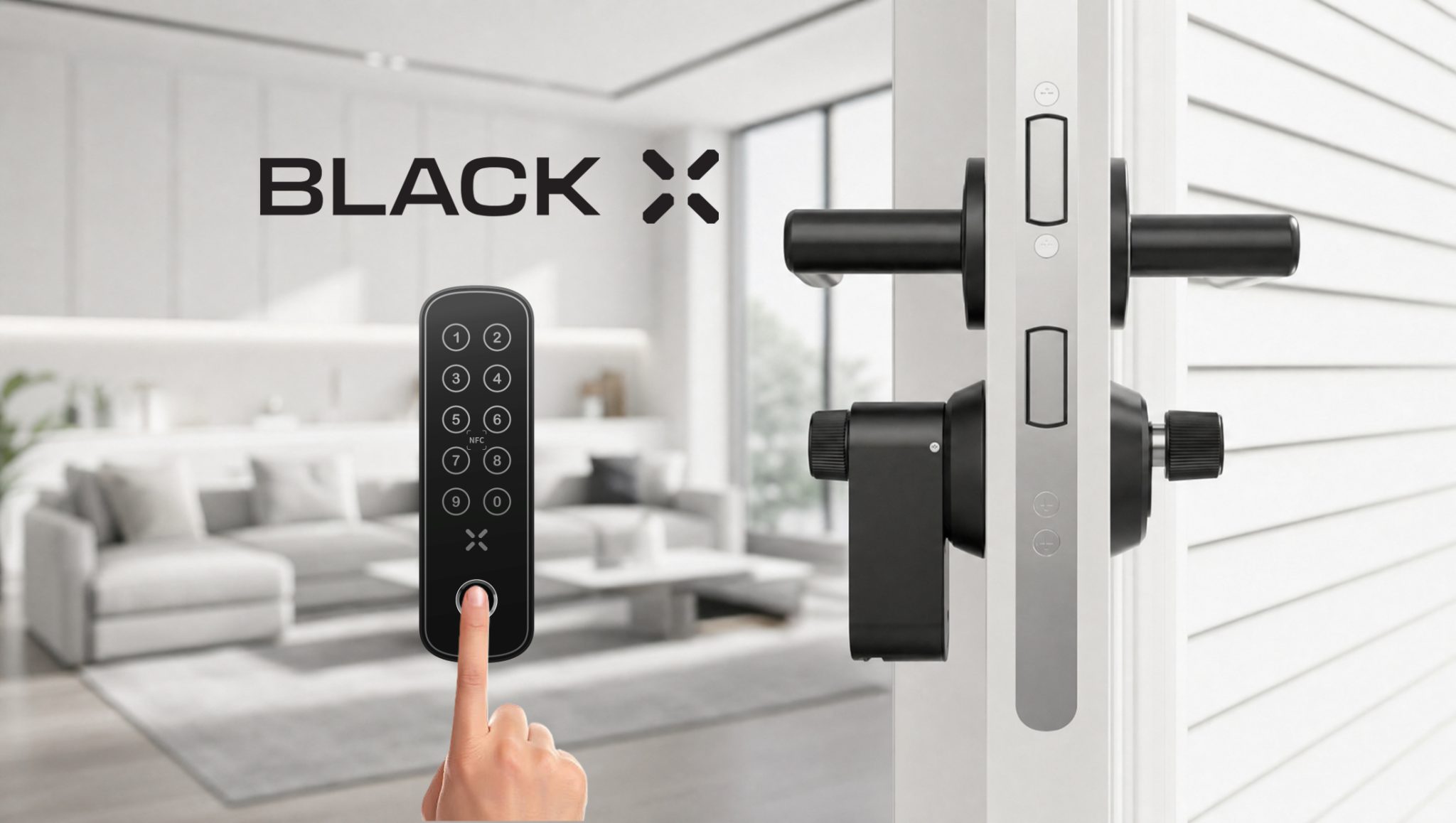
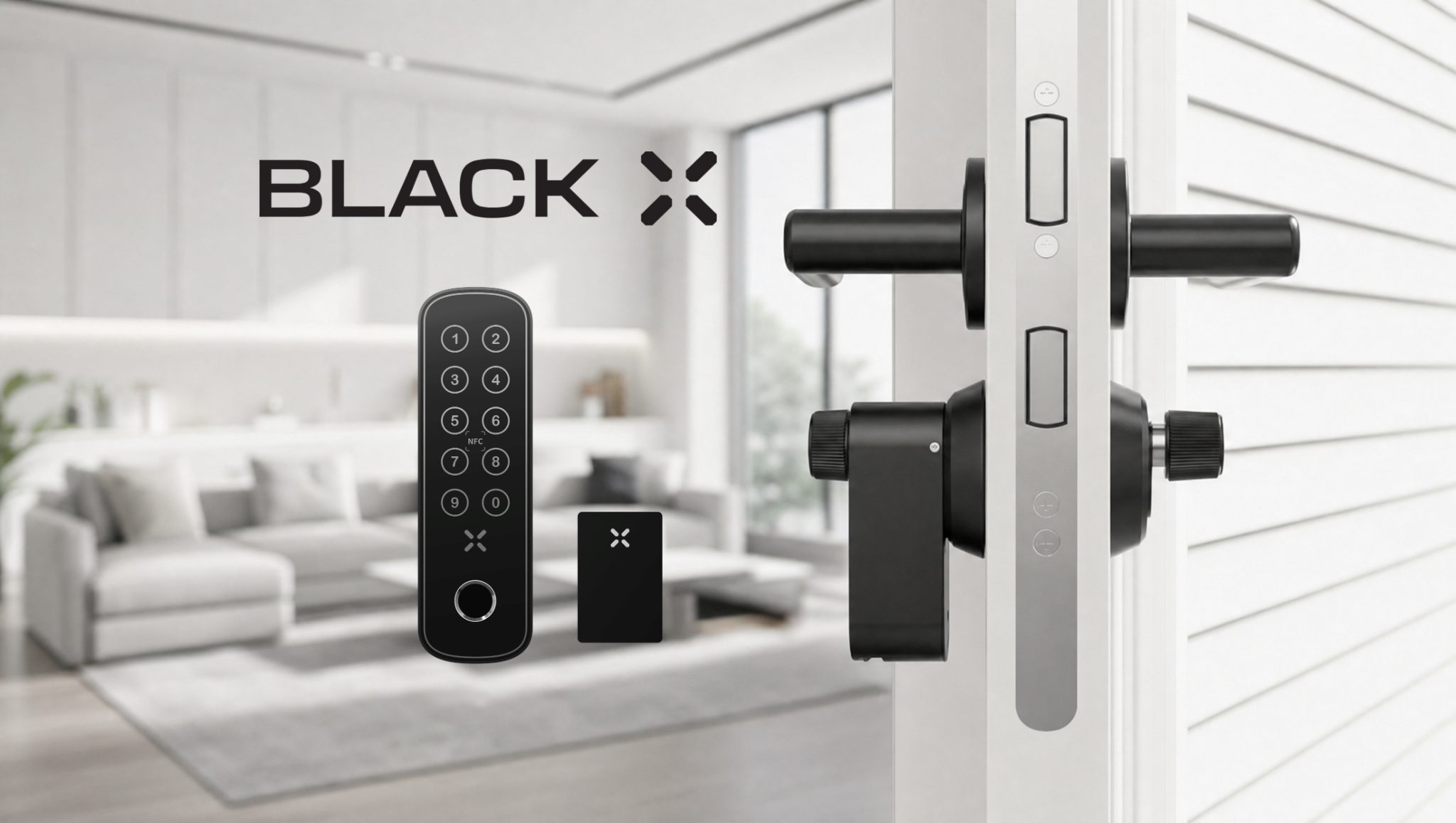
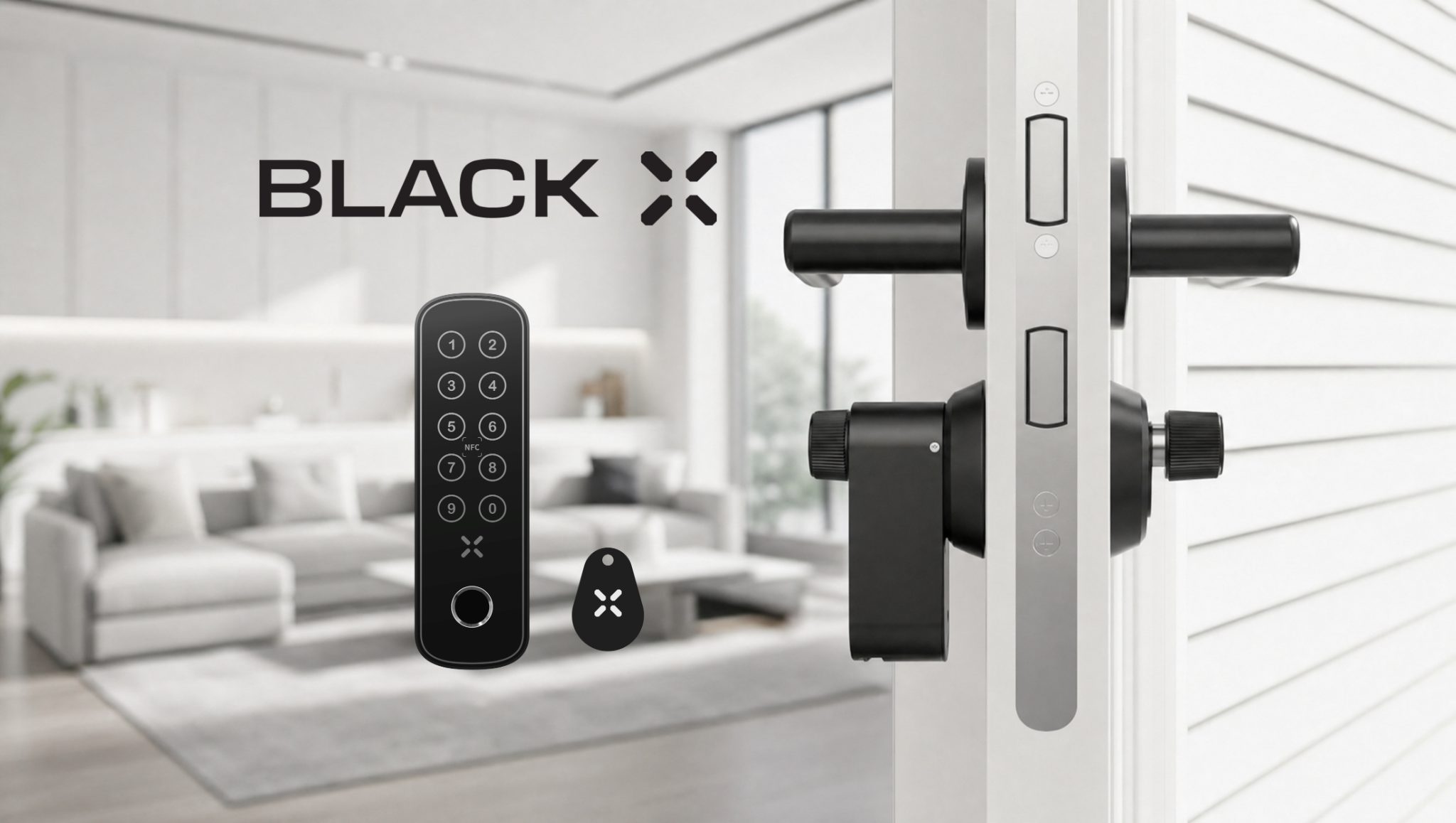
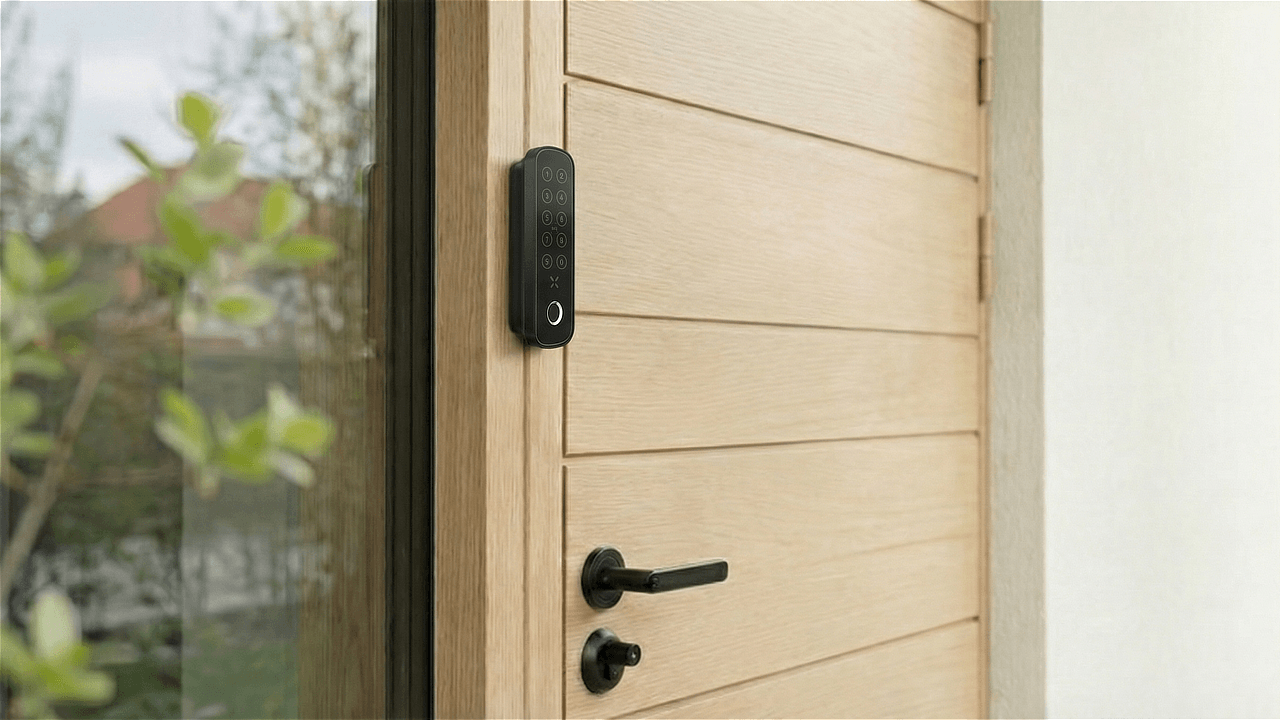
Unlock your BLACK X Euro Smart Lock in seconds using the keypad on the xPad+.
How to Unlock with Passcode
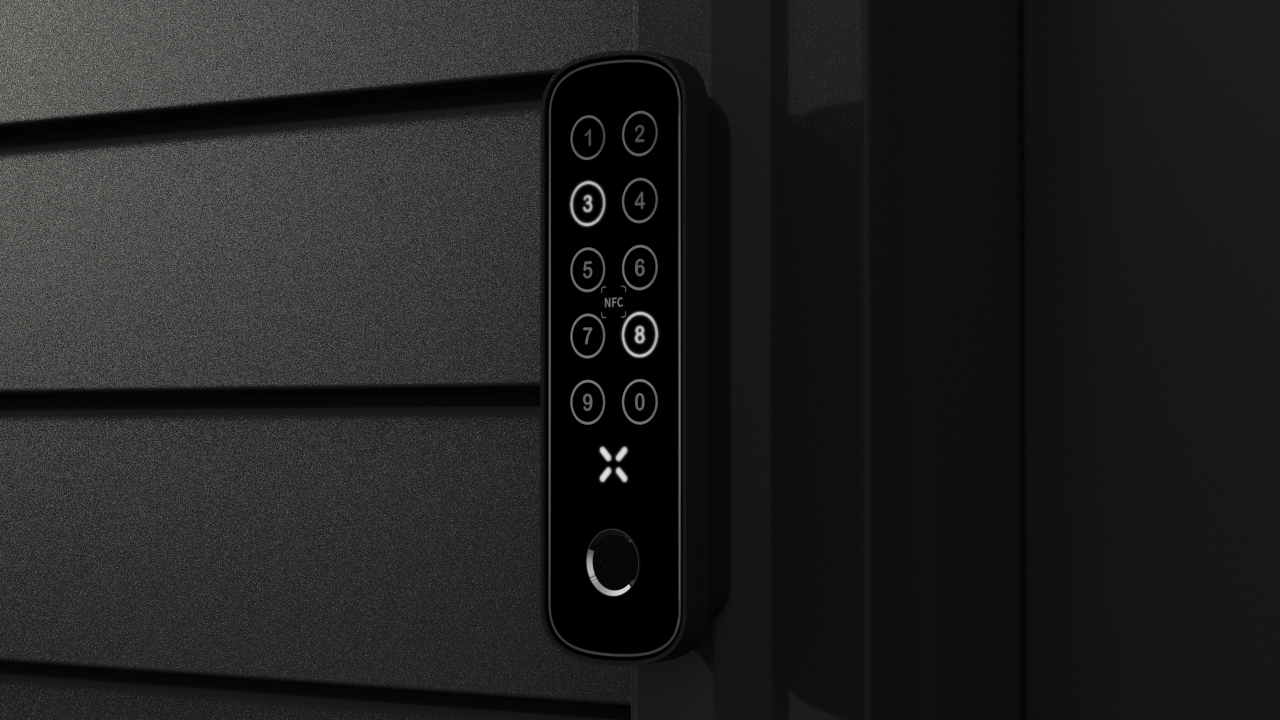
1. Tap the keypad on the xPad+ to activate it.
2. Enter your passcode and press ✕ to confirm.
3. A single beep means the door is ready to open - turn the knob to open it.
Please note: After a few seconds, the lock emits two beeps and automatically returns to the locked position.
Need Help?
Haven't set up a passcode yet? Follow the xPad+ installation guide, which covers creating a passcode from the BLACK X App.
Check out the related articles below for more ways to use your BLACK X smart lock.
.png)
.png)
Looking for more?
Our assistant can help refine your search, or you can reach our support team directly.