BLACK X App - Troubleshooting Guide
Having trouble using the BLACK X App or connecting to your lock?This guide covers the most common issues related to account access, connectivity, and device setup, with simple steps to resolve them.
Account & Device Access
What should I do if I lose my phone?
Since your phone is used to unlock your smart lock, it is highly recommended to enable a screen lock (PIN, fingerprint, or facial recognition) on your device, or to set a screen lock for the app itself.
If you lose your phone:
- Log in to the BLACK X app from another device using your account credentials
- The previous device will automatically be logged out
- Update your account password for added security
I changed phones and now the lock doesn’t respond - what should I do?
If the lock does not respond after switching to a new phone, check the following:
- Bluetooth is enabled
- Location Services are enabled (required on Android devices)
Missing one of these settings may prevent the app from detecting the lock.
Connectivity Issues
What happens if my Wi-Fi isn’t working?
If you experience connection issues:
- Disable Wi-Fi before unlocking the door
- Alternatively, turn on Airplane Mode and try again
The app will use Bluetooth and local data to operate the lock.
Will Bluetooth still work if Wi-Fi is off?
Yes. The lock operates via Bluetooth, allowing access even without internet connectivity.
App & Pairing Issues
Lock does not pair with the BLACK X app
If the lock does not appear during setup:
- Ensure Bluetooth is enabled on your phone
- Make sure you are within close range of the lock
- Open the BLACK X app and tap "Install a new lock"
- While the app is searching, press the connect button on the lock using the Allen key
- Wait for the lock to appear and tap "Connect"
Remote Access Issues
The smart lock does not respond to remote commands
If remote control is not working, check the following:
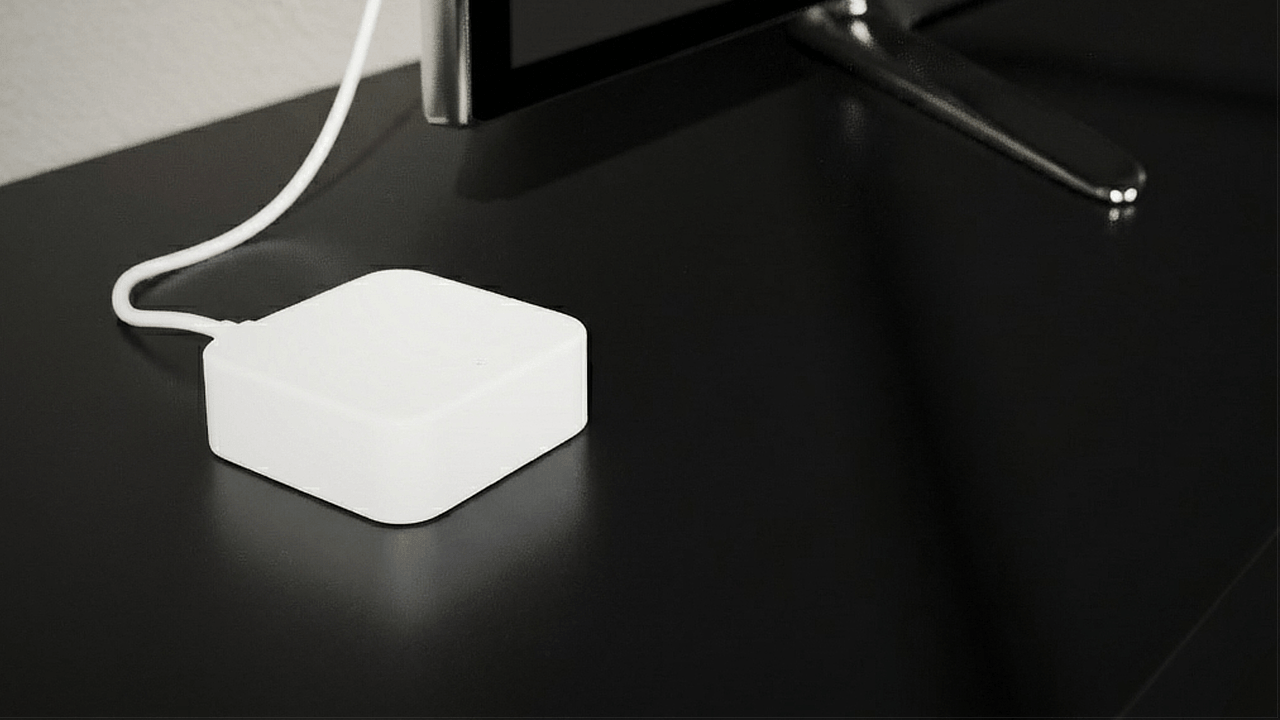
- Ensure the Wi-Fi Bridge is powered on and connected to your home Wi-Fi network
- Verify that the Wi-Fi Bridge is within range of your BLACK X smart lock
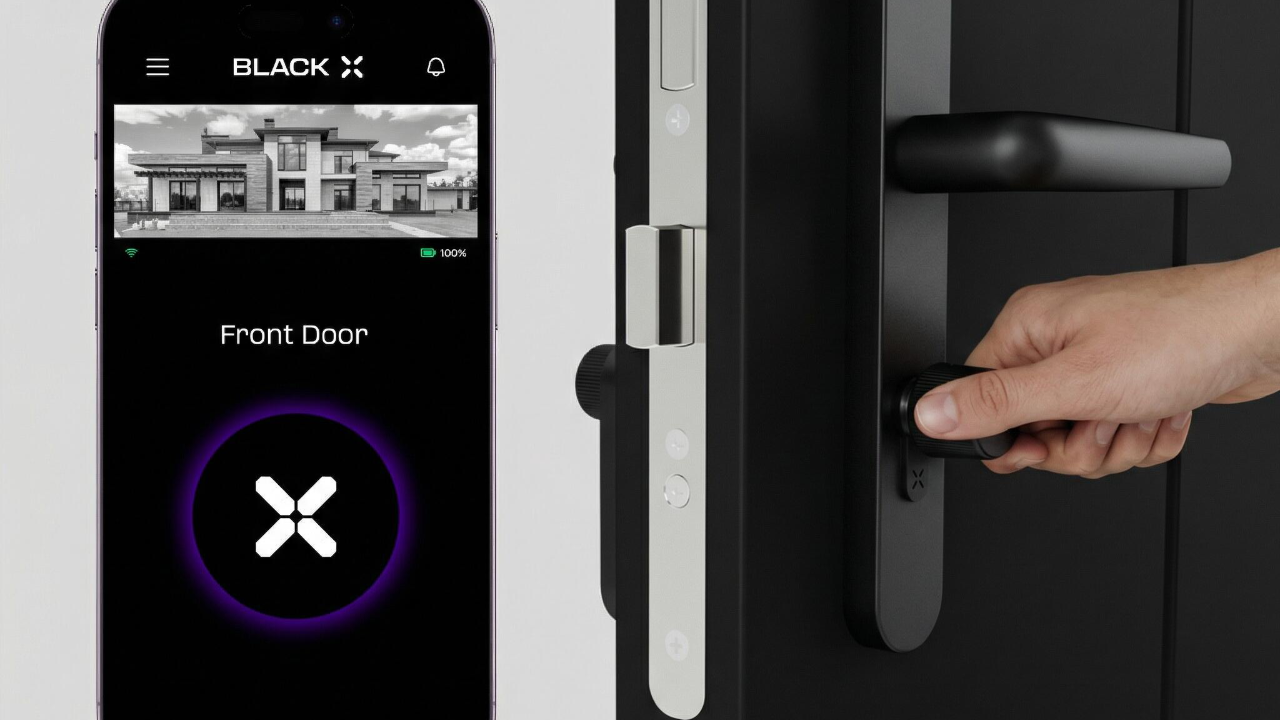
- Check the Wi-Fi connection indicator in the BLACK X App on the lock home screen
- If the indicator is not green, the lock is not properly connected to the bridge
Confirm that remote access is enabled:
- Open the BLACK X App
- Go to your lock settings
- Turn on remote unlock
To verify functionality:
- Step outside your home Wi-Fi range
- Use the BLACK X App to unlock your door
Access History Display Issue
The access history does not display the correct user names
If user names are not displayed correctly in the access history and appear as phone numbers, IDs, or other account details instead, check the following:
Ensure the user has been fully synchronized with the lock:
- Open the BLACK X App
- Go to the relevant lock settings
- Tap "Upload Data"
- Wait for the synchronization process to complete
Once synchronization is complete, the access history should display the correct user names and information

Looking for more?
Our assistant can help refine your search, or you can reach our support team directly.