Having Trouble Unlocking Your BLACK X Lock?
Having trouble unlocking your BLACK X lock? Find your access method below to get to the right troubleshooting guide.
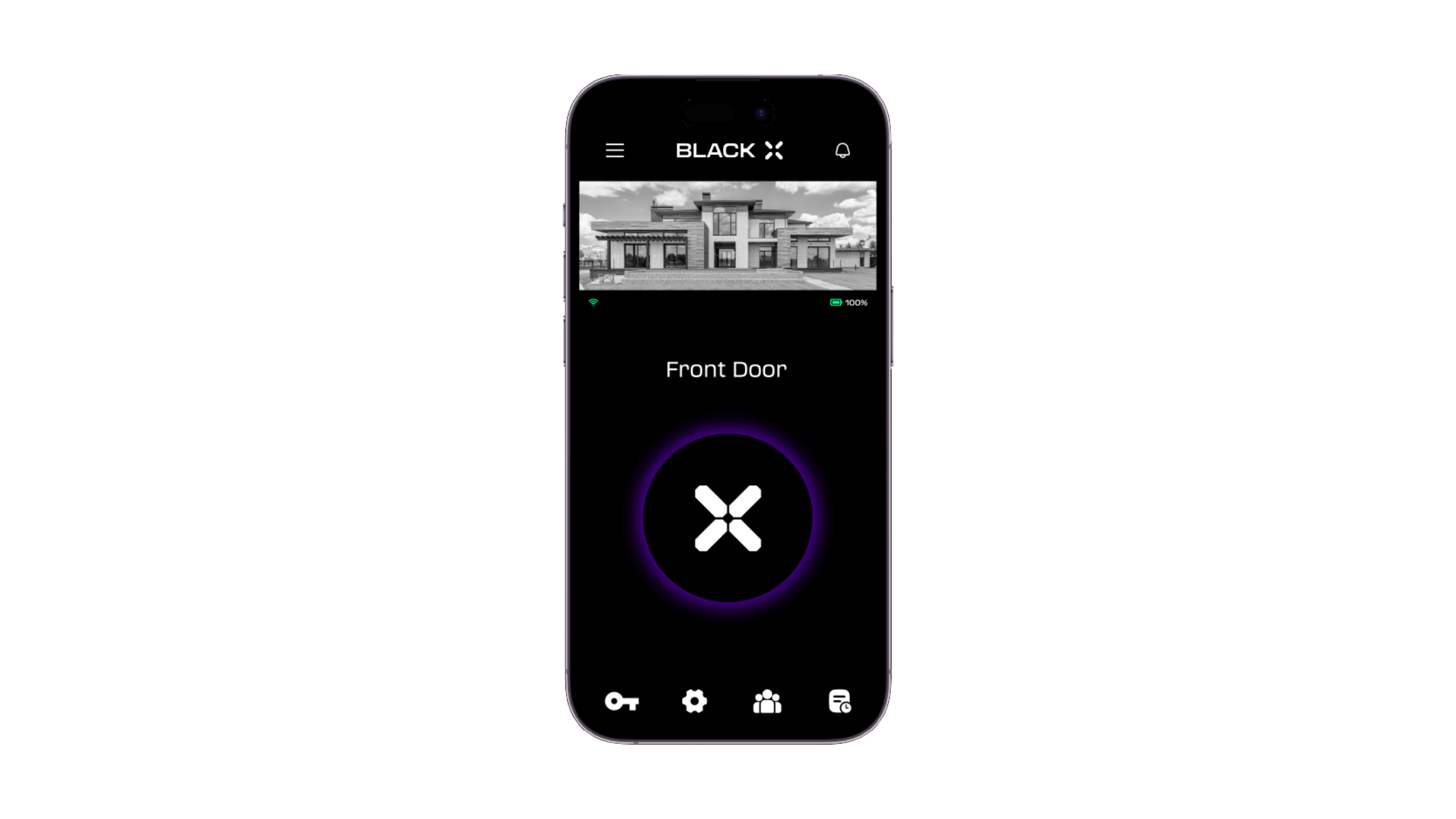
BLACK X App
Bluetooth problems, an unresponsive lock, remote access through the Wi-Fi Bridge, or a shared eKey that isn't working.
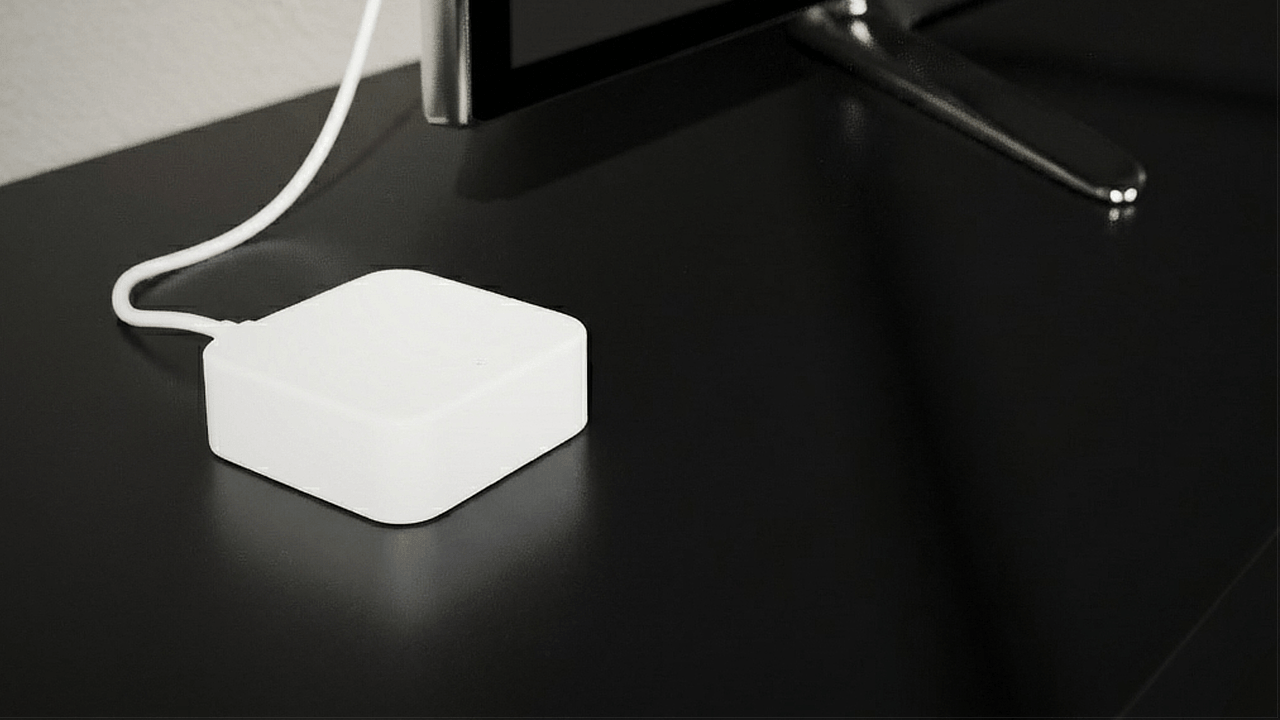
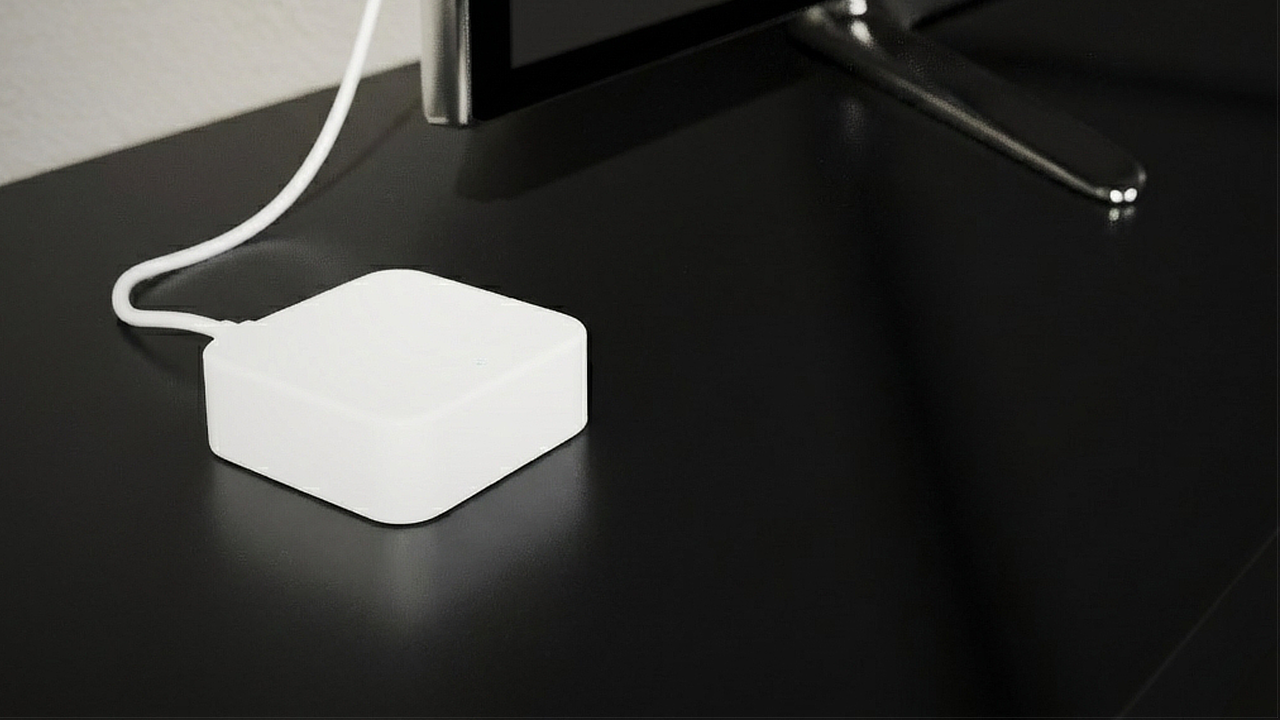
Wi-Fi Bridge (Remote Access)
You can't unlock or check your door remotely once you're away from your home Wi-Fi.
Wi-Fi Bridge troubleshooting guide
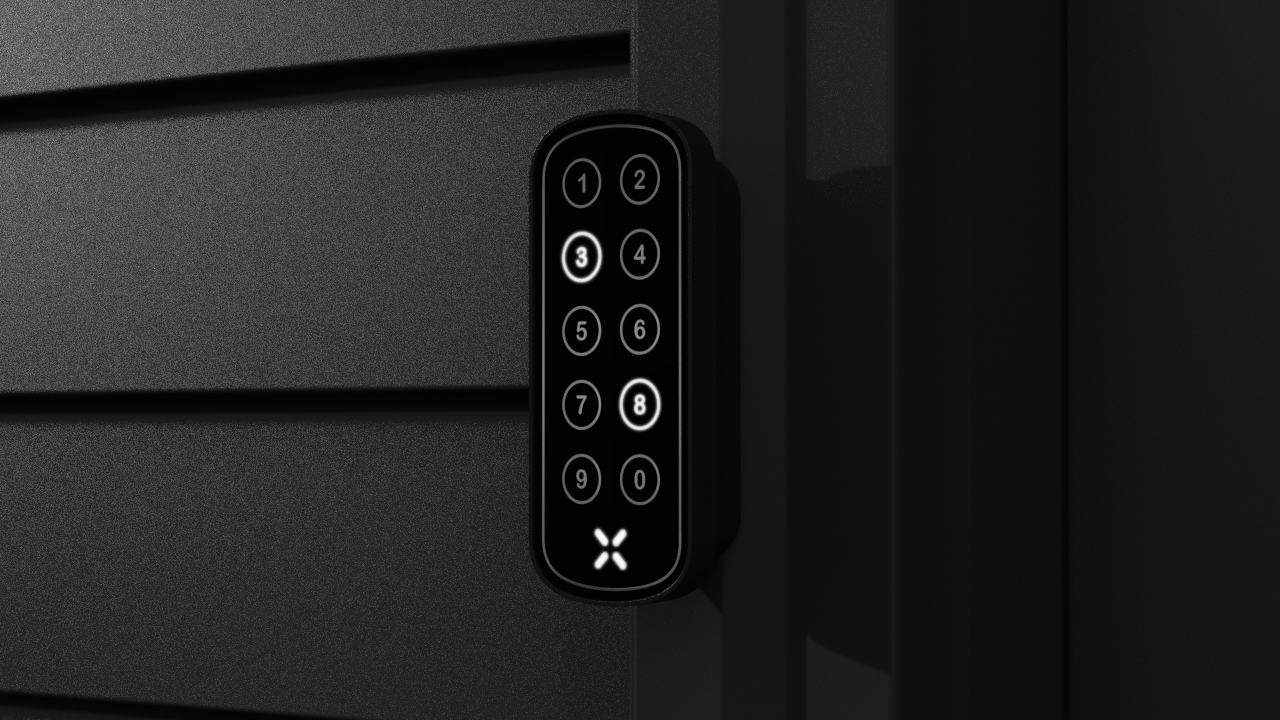
xPad
If your passcode isn't working on the xPad keypad, try unlocking with the BLACK X app to confirm the lock itself is working, then contact BLACK X Support if the issue continues.
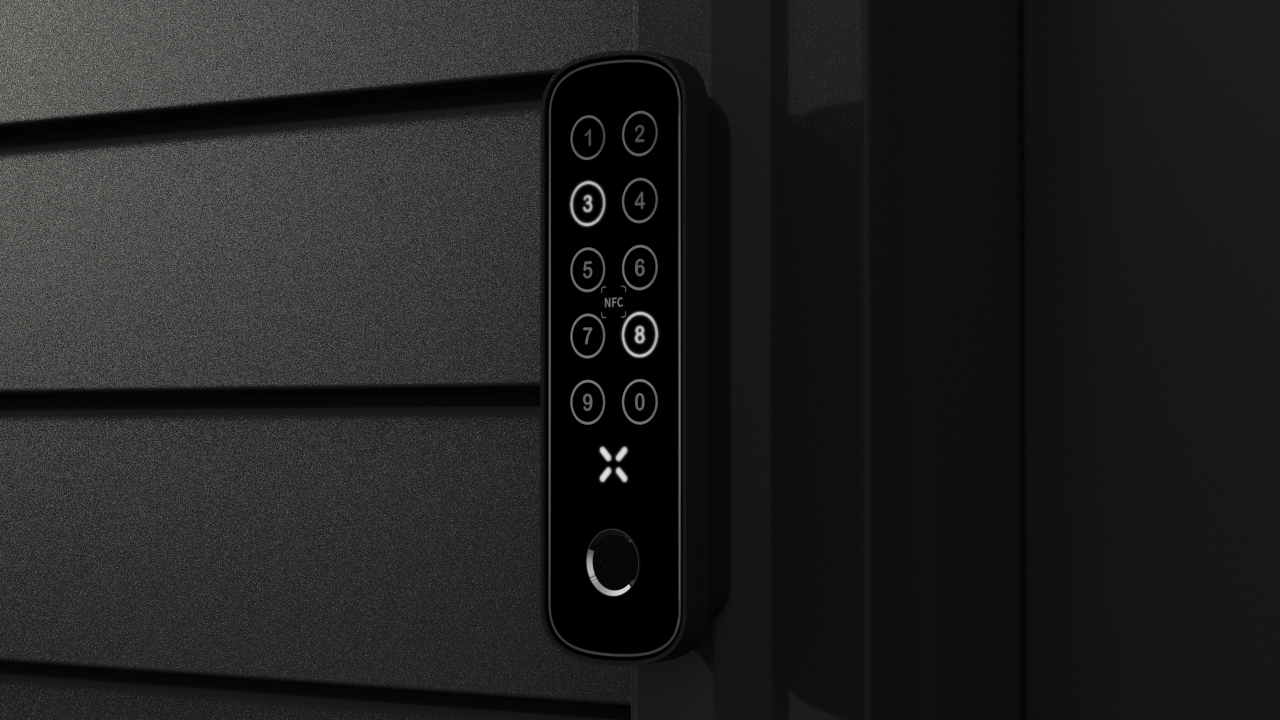
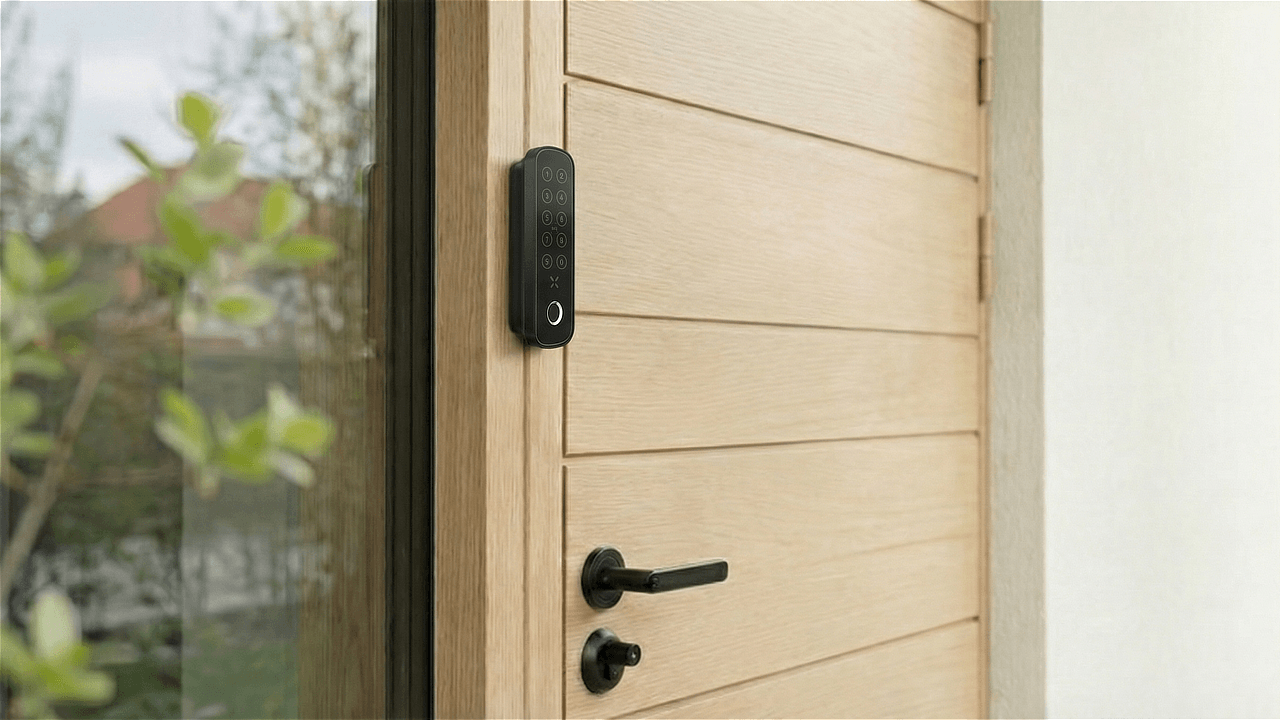
xPad+
Your passcode, fingerprint, or NFC card/tag isn't working on the keypad.
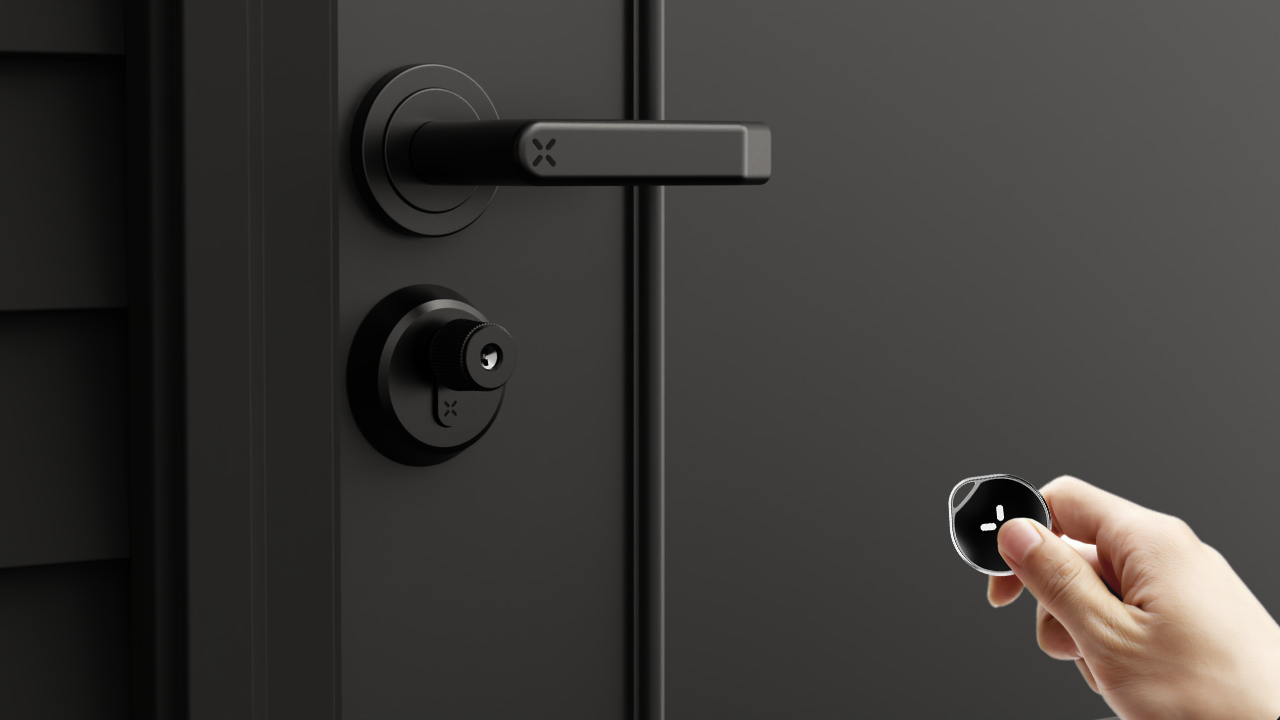
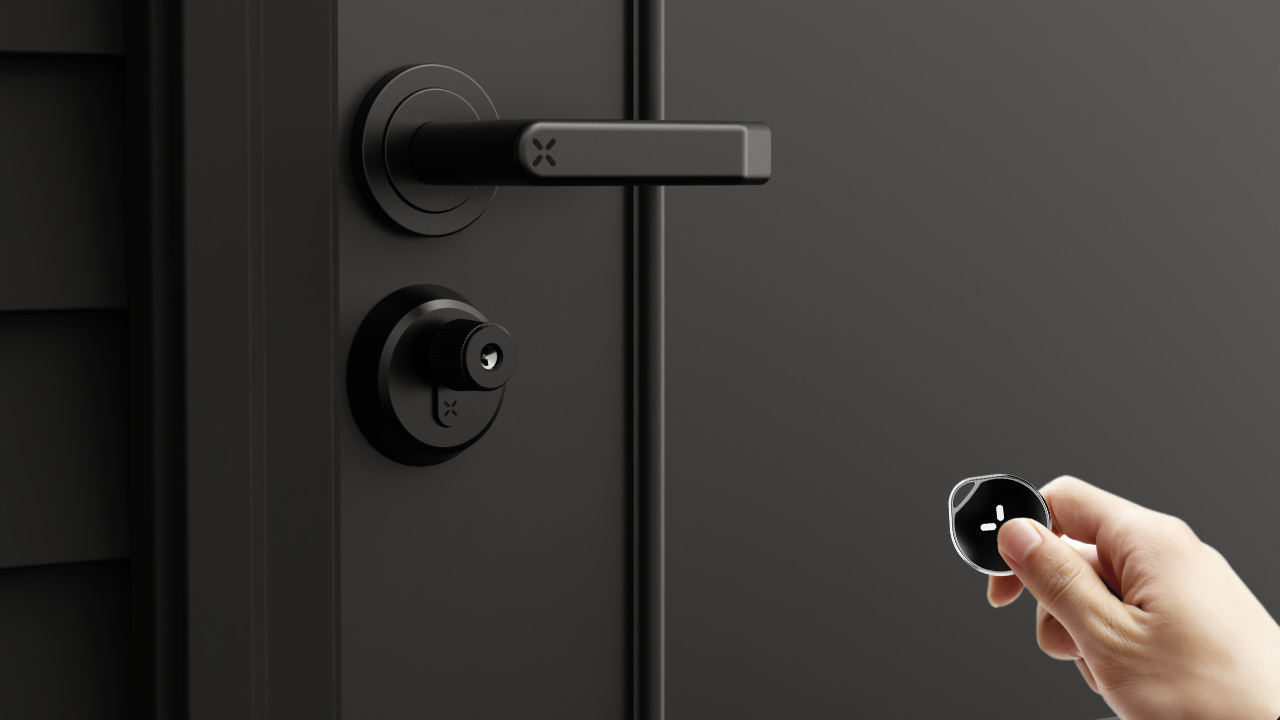
xKey
Your xKey remote isn't pairing with your lock or won't unlock the door.
Mechanical Key
Every BLACK X lock includes two mechanical backup keys. If none of the access methods above are working, use your mechanical key while you troubleshoot.
If you're still experiencing issues after following the relevant guide, contact BLACK X Support.
.png)
.png)
Looking for more?
Our assistant can help refine your search, or you can reach our support team directly.