Having trouble unlocking your door with the app?
Having trouble unlocking your door with the BLACK X app? The steps below cover the most common issues with Bluetooth connection, the lock itself, and remote access.
Bluetooth Connection Issues
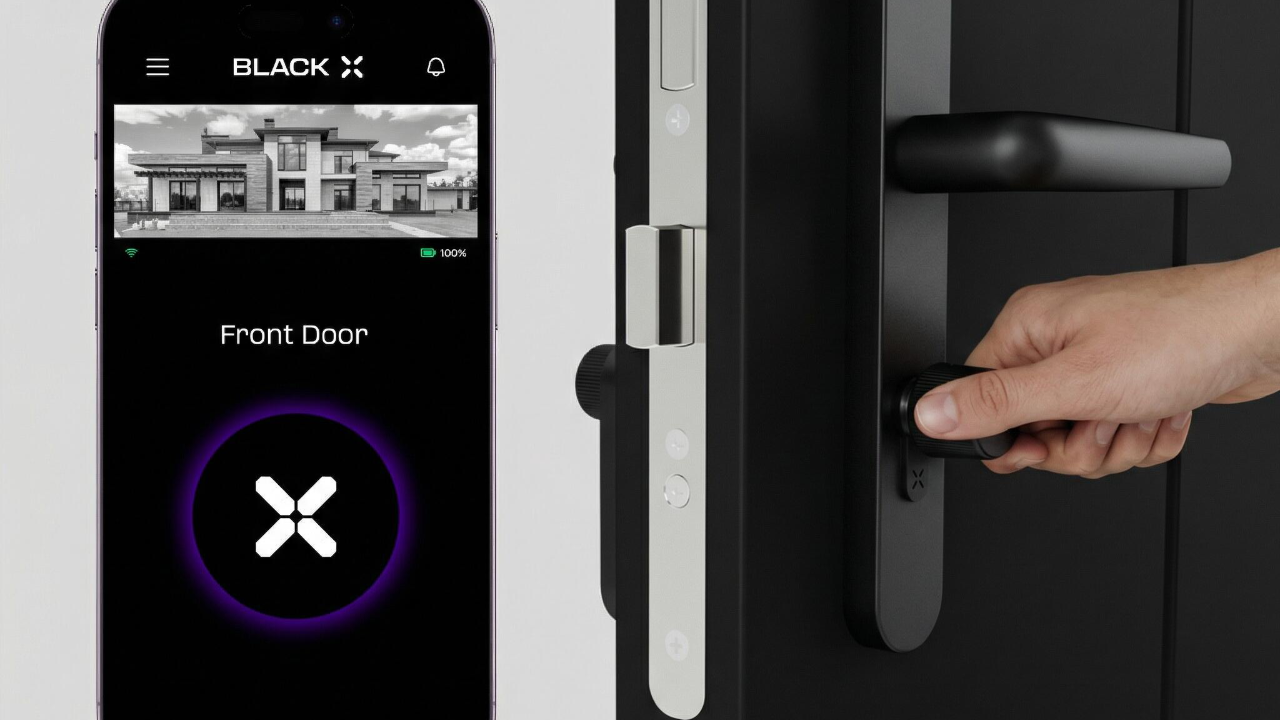
The app is not unlocking the door
Possible cause
Bluetooth may be off, your phone may be out of range, or another wireless connection may be interfering.
Solution
- Make sure Bluetooth is enabled on your phone.
- Make sure you are within close range of the lock.
- If Wi-Fi is causing interference, turn it off or switch to Airplane Mode, then try again.
- Close and reopen the BLACK X app, then attempt to unlock again.
Lock Not Responding
The lock does not respond at all
Possible cause
The lock may be temporarily unresponsive, or its battery may be low.
Solution
- Make sure the lock has power and is active.
- Check the lock's battery level: in the app, go to Lock Settings > Basics - the Battery field shows the current percentage. Tap Update to sync the reading with the lock.
- Wait a few seconds and try unlocking again.
Remote Access Issues
Remote unlocking is not working
Possible cause
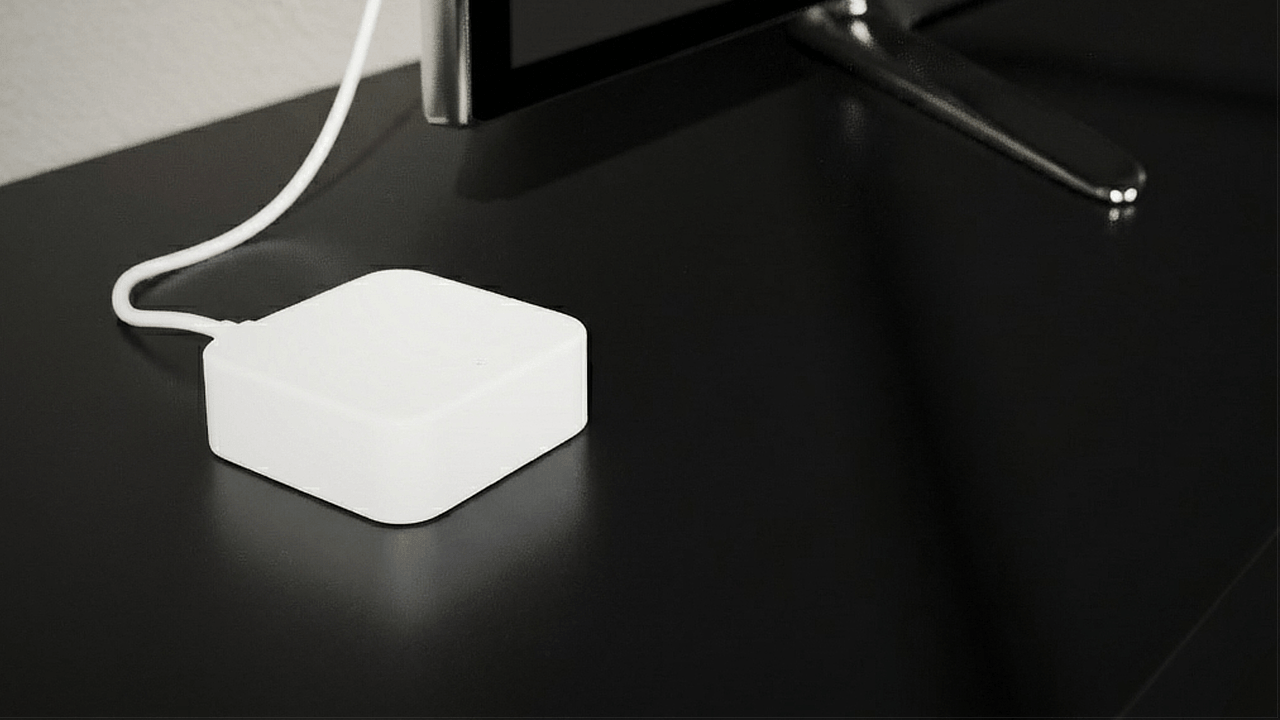
The Wi-Fi Bridge may be powered off, disconnected from your home Wi-Fi network, or remote access may not be enabled in the app.
Solution
- Ensure the Wi-Fi Bridge is powered on and connected to your home Wi-Fi network.
a. Check the Wi-Fi icon on the lock's screen in the app, or open the Wi-Fi Bridges screen - if it's red or offline, the Bridge is not connected. Note that this indicator can take up to about 10 minutes to update after an actual disconnect, so a normal-looking icon doesn't fully rule out a very recent drop.
b. If it's not connected, make sure the Bridge is within range of your router.
- Check that remote access is enabled in the app.
Refer to the Wi-Fi Bridge troubleshooting guide for the full set of remote-access checks.
eKey Access Issues
The eKey invitation email was not received
Possible cause
The email may have been delayed, filtered, or the address may already be registered to an account.
Solution
- Check the spam or junk folder for the invitation email.
- If the app shows the email address already exists, sign in with that email and the temporary password from the original email, then update the password in the app.
Manage eKeys anytime from the key icon on your lock in the app. See the eKey guide for the full setup, sharing, and deletion process.
Good to know
The lock operates via Bluetooth, so even without internet access, you should still be able to unlock the door when nearby. Remote access lets you unlock your door remotely; remote locking is not currently supported.
Backup access
All BLACK X locks include two mechanical keys for backup access.
If you're still experiencing issues after following this guide, contact BLACK X Support.
Looking for more?
Our assistant can help refine your search, or you can reach our support team directly.