FAQ - Mechanical keys
Mechanical Key - Backup Access
What is the mechanical key used for?
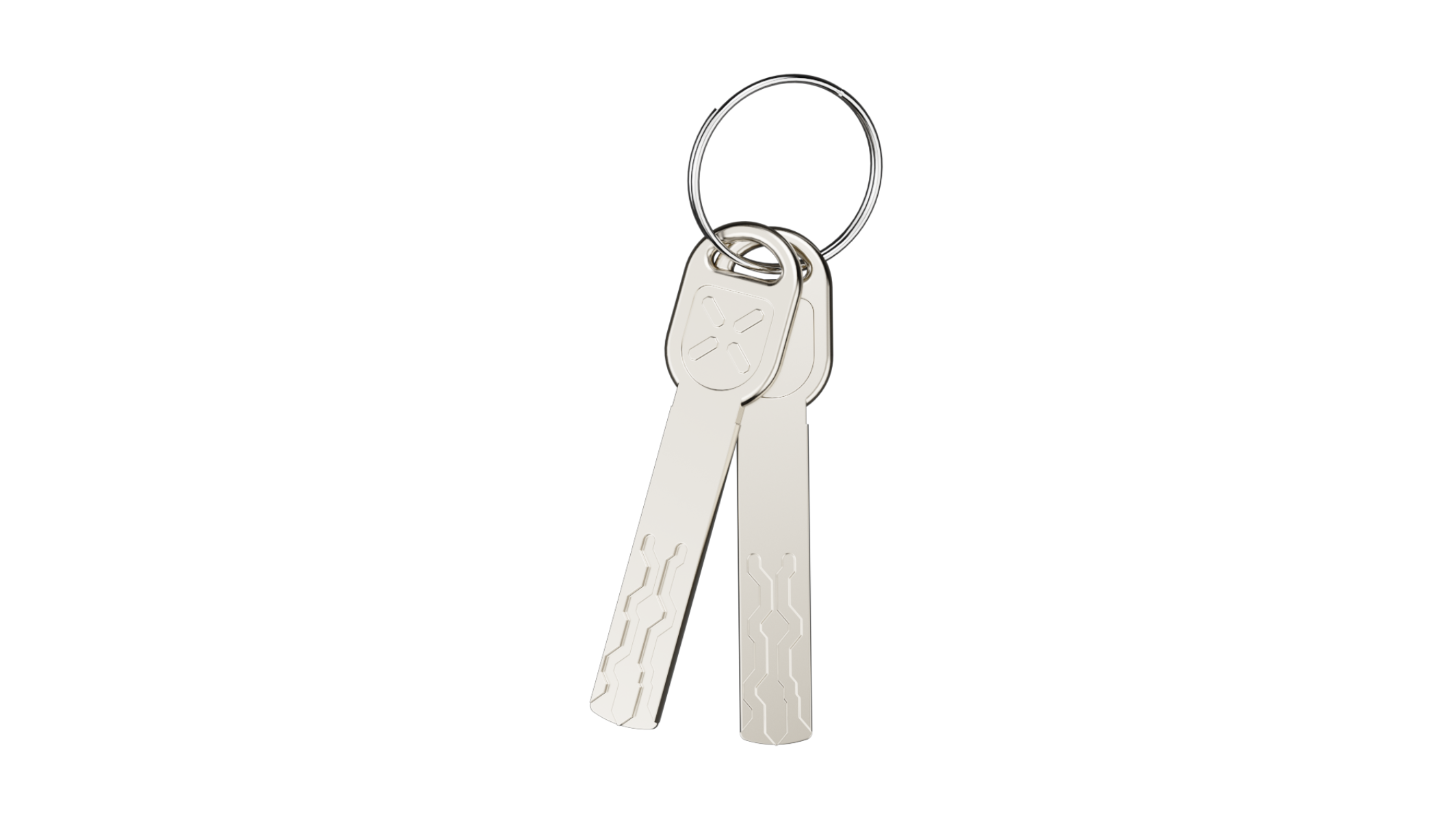
The mechanical key provides a manual way to unlock the door. It serves as additional backup access method.
Does every BLACK X lock include a mechanical key?
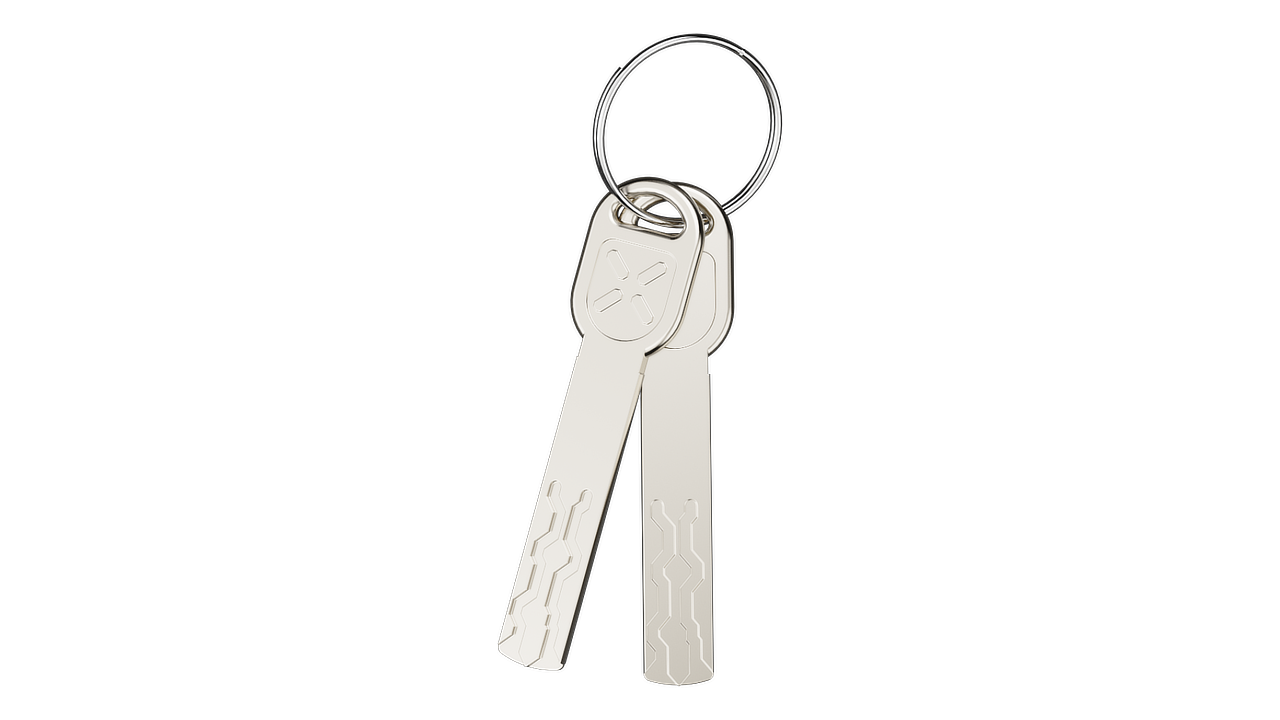
Yes, all BLACK X smart locks are supplied with 2 mechanical keys as a standard backup solution.
Can I still use the lock normally if I never use the mechanical key?
Yes, the mechanical key is only a backup option. Daily use is typically done via the app or other access methods.
How can I order a replacement mechanical key if it is lost?
If your mechanical key is lost, please contact us through our contact form and provide the MAC address of the relevant lock.
To find the MAC address:
- Open the BLACK X App
- Select your lock
- Go to Settings (gear icon)
- Enter Basics
You can either copy the MAC address or take a screenshot and send it to us.
Please note that ordering a replacement key will involve a service fee.
Once received, our team will assist you with the ordering process.
Mechanical Key - Advanced Options
Can multiple locks be keyed alike (use the same mechanical key)?
Yes, multiple locks can be configured as keyed alike, allowing one mechanical key to operate several locks.
This is especially useful for fleet or multi-property setups.
Please note that keyed alike configurations are made to order, as all cylinders must be manufactured with the same key code. Lead times may apply.
How are replacement mechanical keys handled?
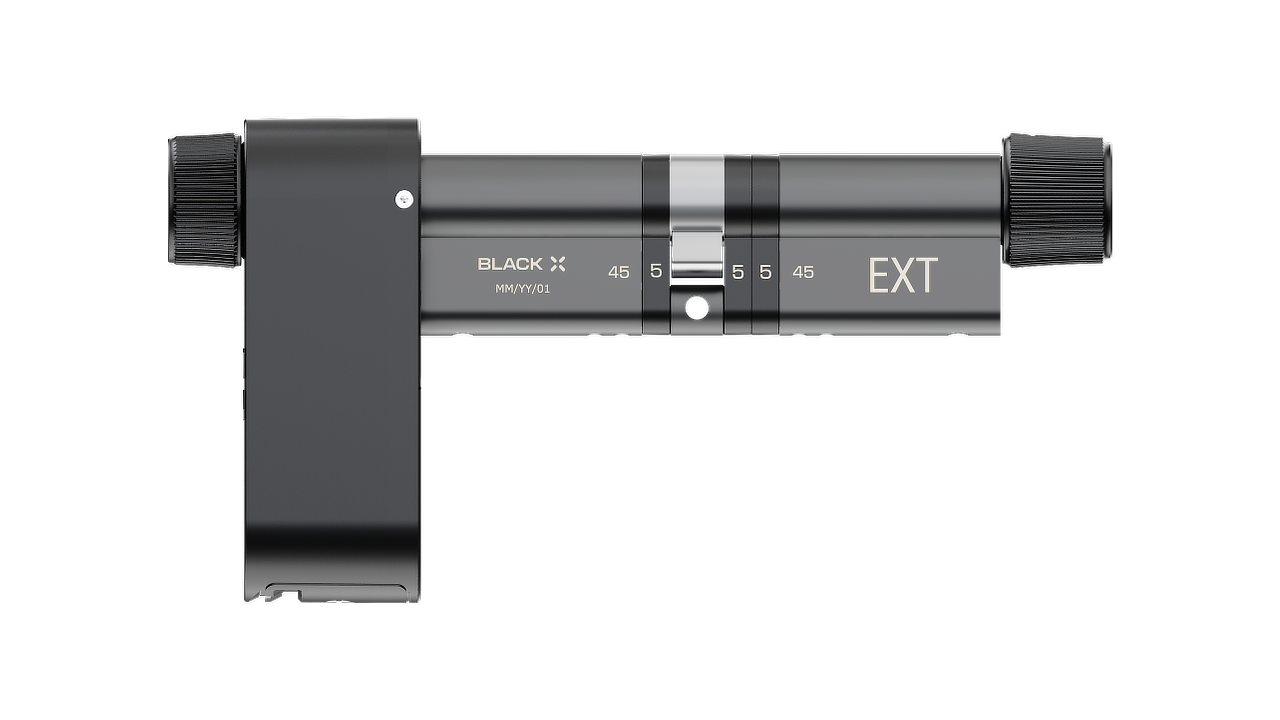
Replacement mechanical keys are handled directly by BLACK X.
Due to the advanced key technology, which uses automated laser-cutting systems, keys cannot be duplicated by standard methods.
Customers can request replacement keys either through their distributor or directly from BLACK X, depending on the region and support structure.

Looking for more?
Our assistant can help refine your search, or you can reach our support team directly.