FAQ - BLACK X Wi-Fi Bridge
Have questions about your BLACK X Wi-Fi Bridge? This FAQ covers the most common topics, including setup, connectivity requirements, and remote access, helping you get the most out of your smart lock.
General Information
What is the BLACK X Wi-Fi Bridge?
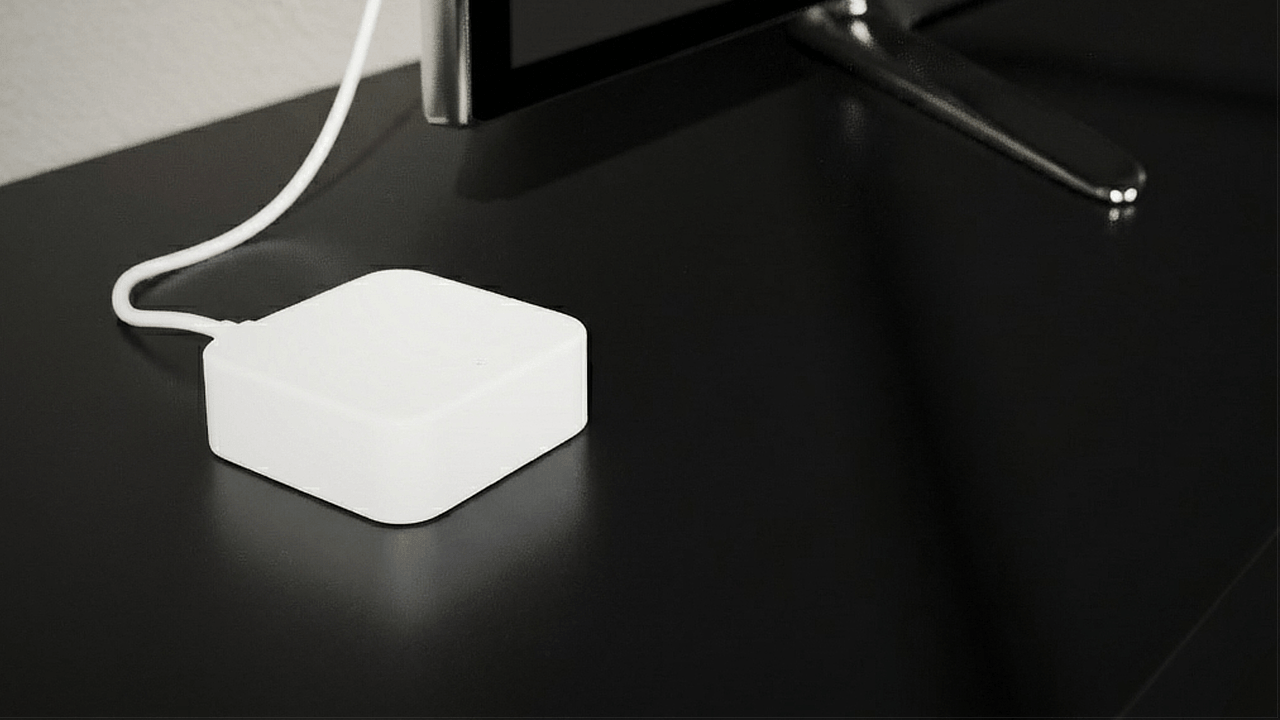
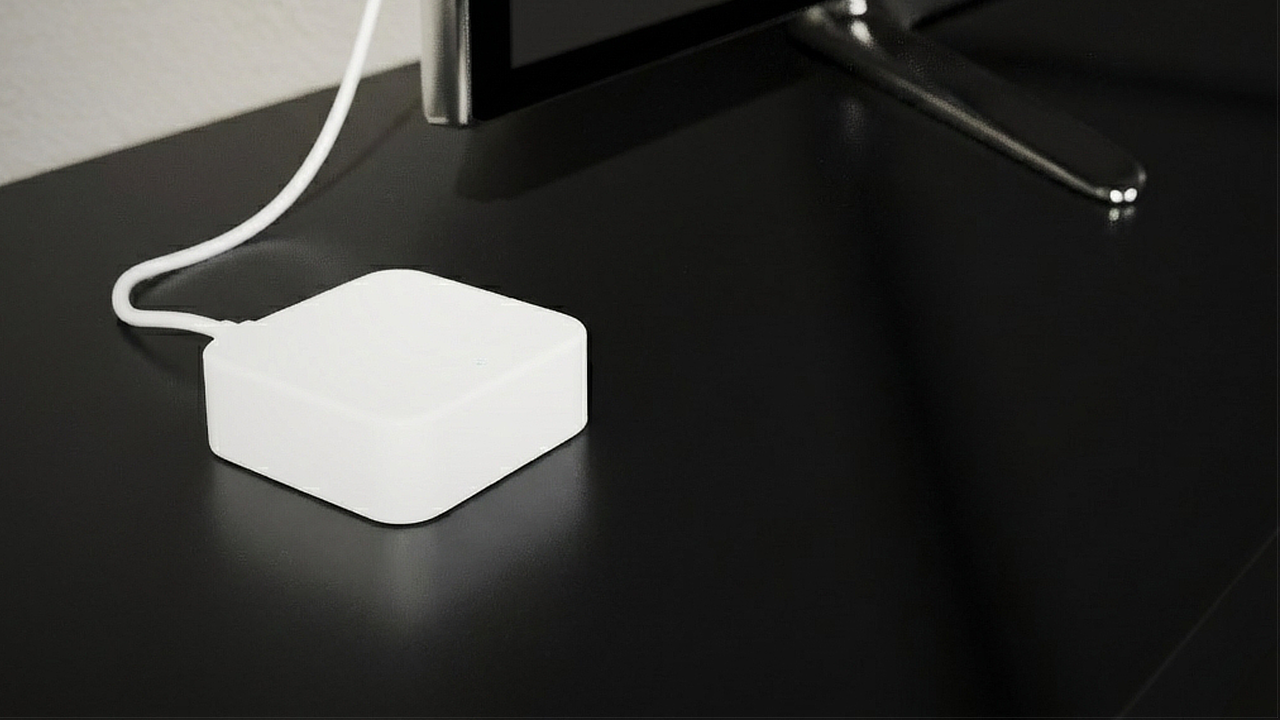
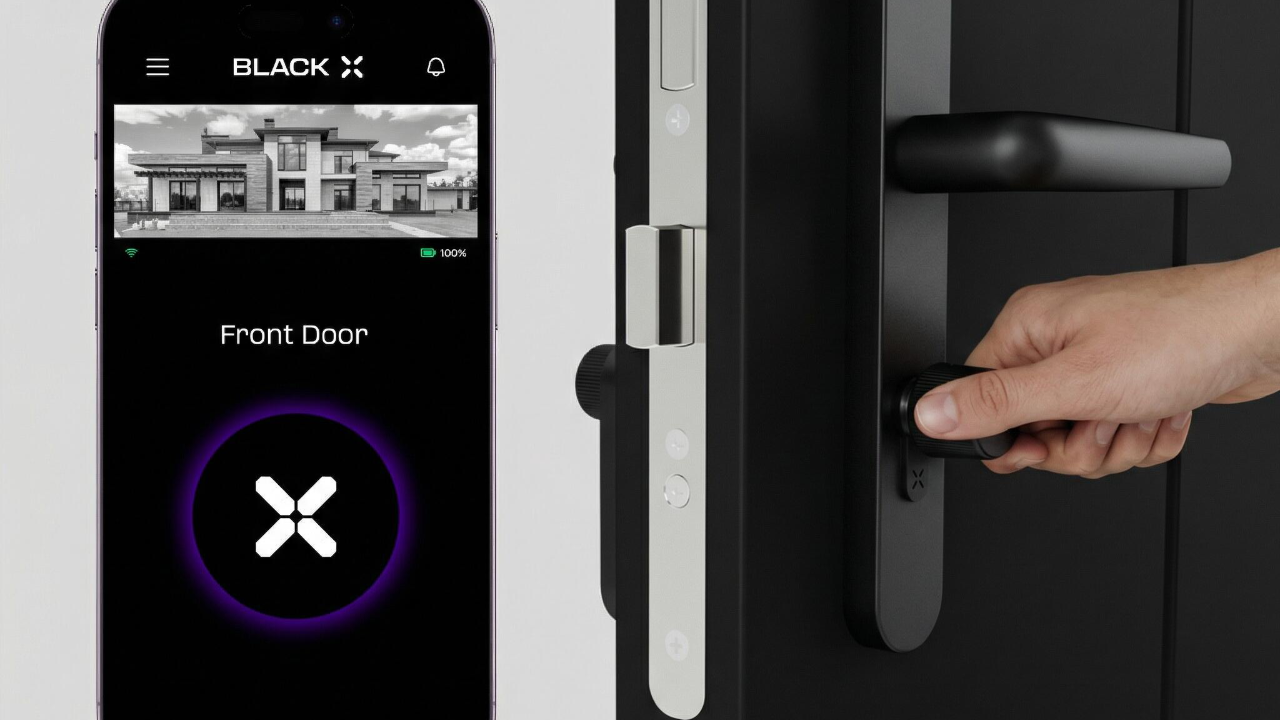
The BLACK X Wi-Fi Bridge is an optional accessory that connects your BLACK X smart lock to your home Wi-Fi network, enabling remote access and control from anywhere - not just when you're within Bluetooth range.
Do I need a Wi-Fi Bridge to use my BLACK X lock?
No. Your lock operates over Bluetooth by default, so you can unlock it whenever you're nearby using the BLACK X app. The Wi-Fi Bridge is only needed if you want to unlock or monitor your door remotely - for example while you're away from home.
Which locks work with the Wi-Fi Bridge?
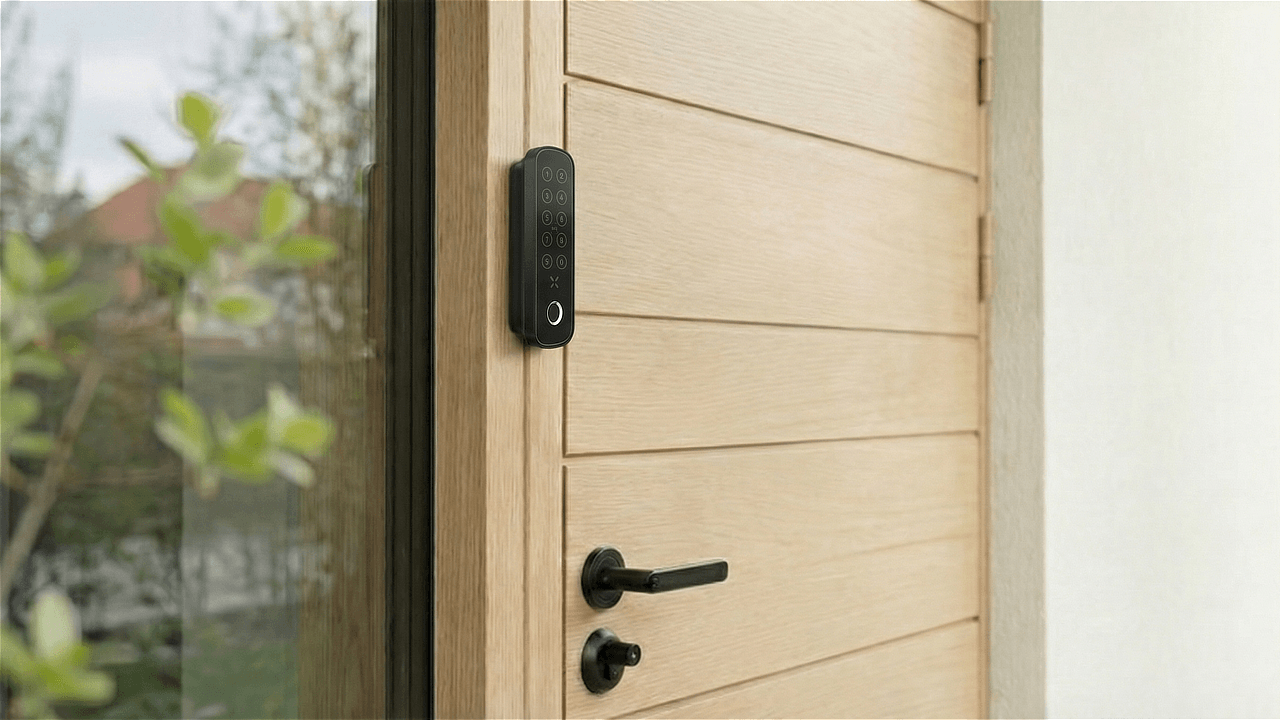
The Wi-Fi Bridge is compatible with BLACK X smart door locks. It works alongside your existing BLACK X lock over Bluetooth - you don't need to install anything on the lock itself.
Installation & Setup
How do I set up the Wi-Fi Bridge?
1. Connect the Wi-Fi Bridge to a power source using the included Type-C USB cable.
2. Open the BLACK X app, go to the menu, and select "Bridges."
3. Tap "Add" and select your Wi-Fi Bridge from the list.
4. Enter your home Wi-Fi network details when prompted. The pairing window lasts about 3 minutes, so have your Wi-Fi password ready.
For the full step-by-step guide with photos, see the Wi-Fi Bridge installation guide.
What's included in the box?
The Wi-Fi Bridge, a Type-C USB cable, and a Quick Start Guide. A USB power adapter is not included - you'll need to use a compatible one you already have.
Wi-Fi & Connectivity
Does the Wi-Fi Bridge need a static IP address?
No. Standard DHCP works fine - no special IP configuration is required.
Can I connect the Bridge to a 5GHz Wi-Fi network?
No. The Wi-Fi Bridge only supports 2.4GHz networks. If your router broadcasts both bands under the same name, you may need to select the 2.4GHz network specifically during setup.
How close does the Bridge need to be to my router?
Within about 7 meters, for a stable connection.
My Wi-Fi Bridge keeps disconnecting even after selecting the 2.4GHz network - what else can I try?
Your router may be combining the 2.4GHz and 5GHz bands under one network name - sometimes called band steering. Even after selecting that network, devices can end up switching between bands, which causes an unstable connection. This is about your router's own settings so for a more stable connection, contact your internet provider and ask them to configure two separate network names - one for 2.4GHz and one for 5GHz - then connect the Bridge to the 2.4GHz-only network specifically.
Remote Access
How do I make sure remote access is activated?
You don't need to install anything on the lock itself - just enable it in the app. Open the BLACK X app, go to your lock's settings, and turn on remote unlock. This needs to be activated before you can unlock or check your door's status while away from home - if remote commands aren't working even though the Bridge is connected, this is the first thing worth checking.
Understanding the Light Indicators
Red and blue flashing together - standby mode, ready to pair.
Blue flashing - pairing in progress, or successfully connected.
Red only - network failure or timeout. Unplug the Bridge, wait for the lights to turn off completely, and reconnect it.
Power
Does the Wi-Fi Bridge have a battery?
No. The Bridge runs on continuous USB power and needs to stay plugged in at all times to work.
Troubleshooting & Support
Running into an issue with your Wi-Fi Bridge? Check out the related articles below for step-by-step troubleshooting, or contact BLACK X Support.
Looking for more?
Our assistant can help refine your search, or you can reach our support team directly.