Troubleshooting Guide for BLACK X USA Deadbolt
Having trouble with your BLACK X Euro Profile Smart Lock? Don't worry! This guide covers common malfunctions and provides step-by-step solutions to help you resolve any issues quickly and efficiently. Whether it's installation difficulties, connectivity problems, or battery concerns, we've got you covered.
For a seamless experience, follow the troubleshooting section below to identify your issue and apply the recommended fix. If the problem persists, feel free to contact our support team for further assistance.
For a detailed step-by-step installation, please refer to this article.
Installation Issues
The existing cylinder does not come out easily
Here are several options that can be examined:
- Ensure the mortise plate screw securing thecylinder has been fully removed.
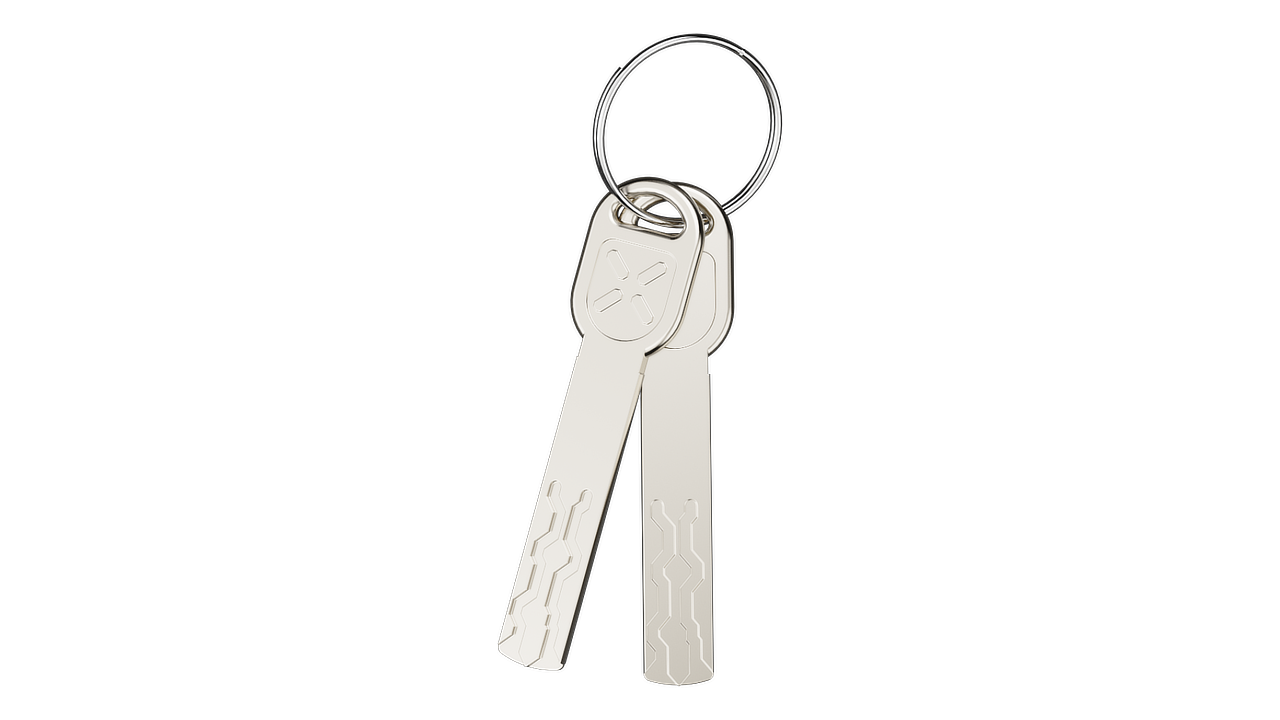
- Insert the key androtate it slightly to align the cam with the body of the cylinder.
- If there is resistance,double-check the cam alignment and try again.
The new cylinder does not sit flush with the door
Here are several options that can be examined:
- Ensure the cylinder is inserted correctly and fully positioned in the door.
- Secure the cylinder using the provided M5 screw.
- The cylinder should not protrude more than 3 mm from the door surface. If it does, adjust the installation and ensure the safety furniture is properly placed to prevent tampering
- Avoid over-tightening the lock screw, as this may cause alignment issues.
The BLACK X device feels loose after installation
Here are several options that can be examined:
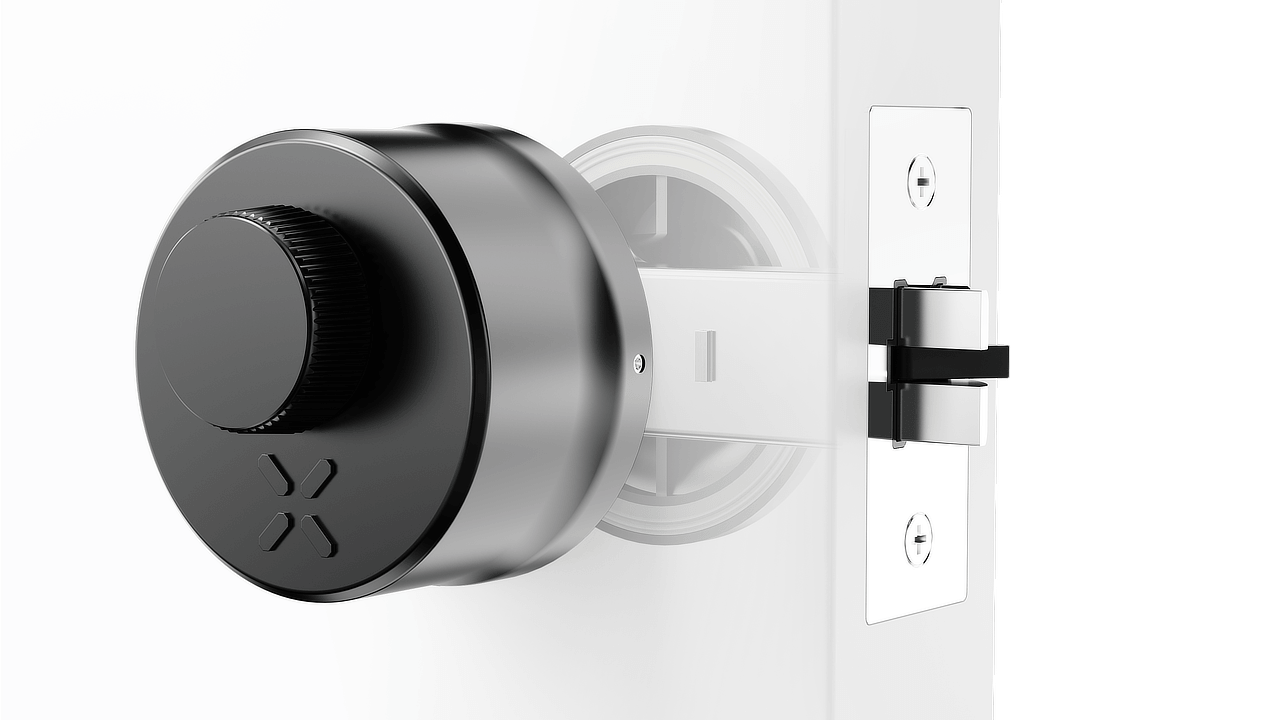
• Ensure the BLACK X device is fully aligned and twisted into place until a ‘click’ sound is heard.
• Use the Allen key to partially tighten the screws on the left and right sides, allowing for proper adjustment.
• Align the external knob properly before tightening the screw on top.
• Once all components are correctly positioned, fully secure the device by tightening the screws on both sides.
The Allen key is turning without tightening the externalknob
Here are several options that can be examined:
- Recheck the position ofthe external knob on the knob body.
- Ensure they align properly and that you can see a complete hole for the Allen key to engage.
- If necessary, apply more pressure to mount the external knob until the two holes are fully aligned.
Lock Functionality Issues
The opening mechanism is stuck
Here are several options that can be examined:
- Ensure the new cylinder was correctly aligned withCam 1 and Knob Housing 2 during preparation.
- When tightening the lockscrew, make sure the cylinder does not protrude more than 3 mm from the doorsurface. Avoid over-tightening to prevent damage.
- While performing thefinal tightening of the lock screw, ensure the cylinder remains flush and doesnot exceed the 3 mm limit.
- Recheck all the stepsfor attaching the BLACK X Device.
- When mounting the BLACK X Device, listen for a 'click' to confirm it is correctly positioned. Also, ensure there is no looseness or play between the device and the cylinder.
- Make sure to remove the plastic/silicone pin before mounting the device.
- When securing the BLACK X Device, avoid overtightening, as this may cause the opening mechanism to become jammed.
The lock does not respond to app commands
Here are several options that can be examined:
- Ensure that the lock issecurely installed and the screws are tightened.
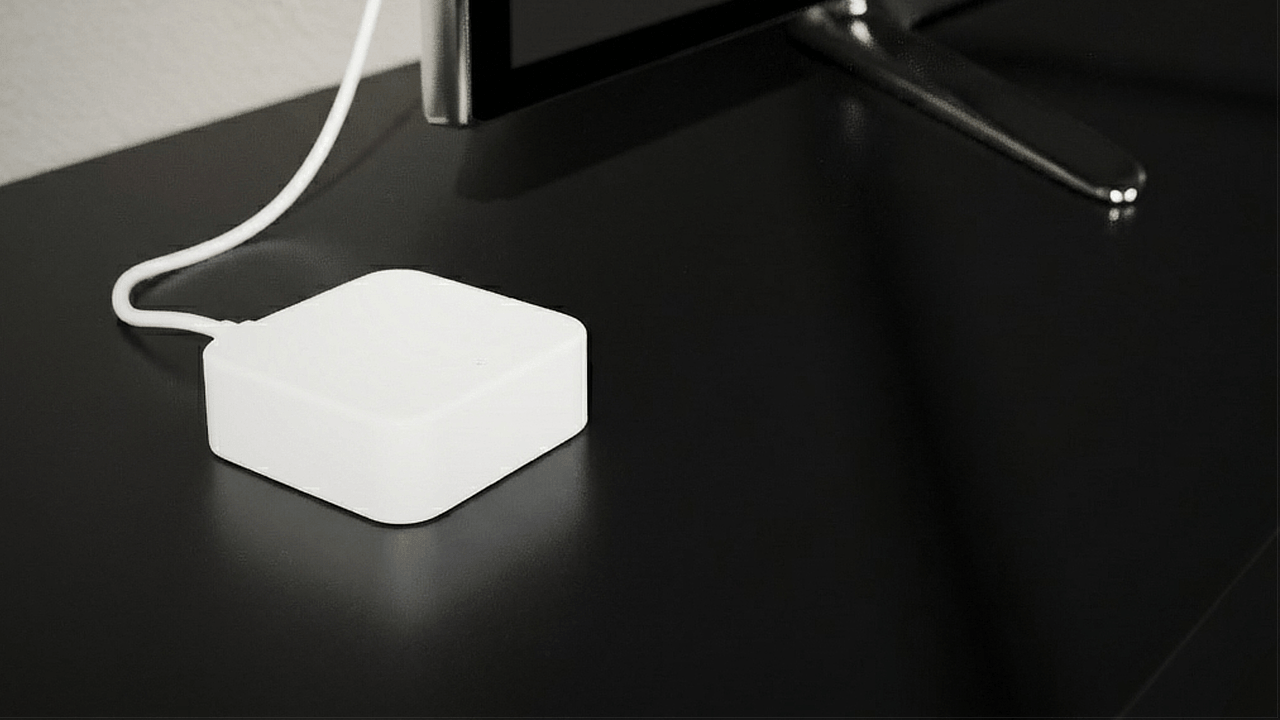
- If using a Wi-Fi bridge,check that it is connected and powered.
- Restart the BLACK X app and ensure Bluetooth is enabled.
Connectivity & App Issues
The lock does not pair with the BLACK X App
Here are several options that can be examined:
- Open the BLACK X app andensure you are in pairing mode.
- Use the Allen key topress the connect button on the lock.
- Confirm that the batteryis installed correctly and that a beep sound was heard upon installation.
- Ensure Bluetooth isturned on in your mobile device settings before attempting to connect.
- Wait for the pop-up forthe correct lock to appear and click “Connect”.
- If the lock does not appear, restart the app, ensure Bluetooth is enabled, and try again.
The Wi-Fi bridge is not connecting (if applicable)
Here are several options that can be examined:
- Ensure the USB-C Wi-Fi bridge is plugged into a power source.
- Check the Wi-Fi connection and make sure the router is within range.
- Restart the Wi-Fi bridge and the BLACK X app, then attempt to reconnect.
General Information & Battery Issues
How do I determine the door orientation?
- If hinges are on the left, the door is left-handed.
- If hinges are on the right, the door is right-handed.
- Use the red marker for left-handed doors and green for right-handed.
What type of battery is required for BLACK X locks?
The BLACK X device requires a CR2 battery, commonly used in cameras and electronic devices.
Where to Buy CR2 Batteries?
You can purchase CR2 batteries at various retailers, both online and in physical stores. Here are some options:
- Online Retailers:
- Amazon: Search for "CR2 battery," and you'll find many options from various brands.
- eBay: You can find new or bulk options for CR2 batteries.
- Walmart: They have an online store with delivery options or in-store pickup.
- Physical Stores:
- Electronics Stores: Stores like Best Buy often carry CR2 batteries.
- Pharmacies: Chains like CVS or Walgreens sometimes stock batteries in their electronics section.
- Home Improvement Stores: Places like Home Depot or Lowe's usually have a selection of batteries.
Before purchasing, check the packaging for compatibility and read reviews to ensure you're buying a reliable brand.
-
-
Looking for more?
Our assistant can help refine your search, or you can reach our support team directly.